
DNS Stopped Working
-
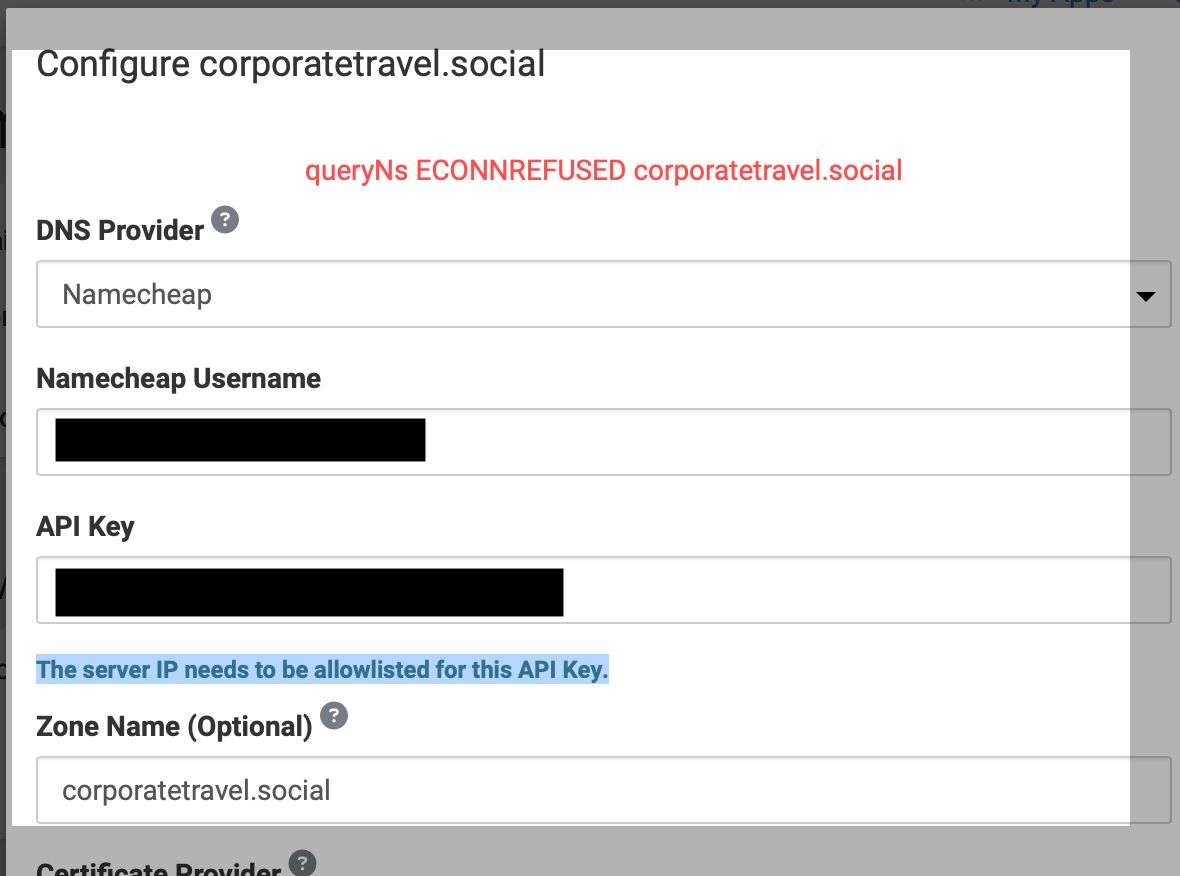
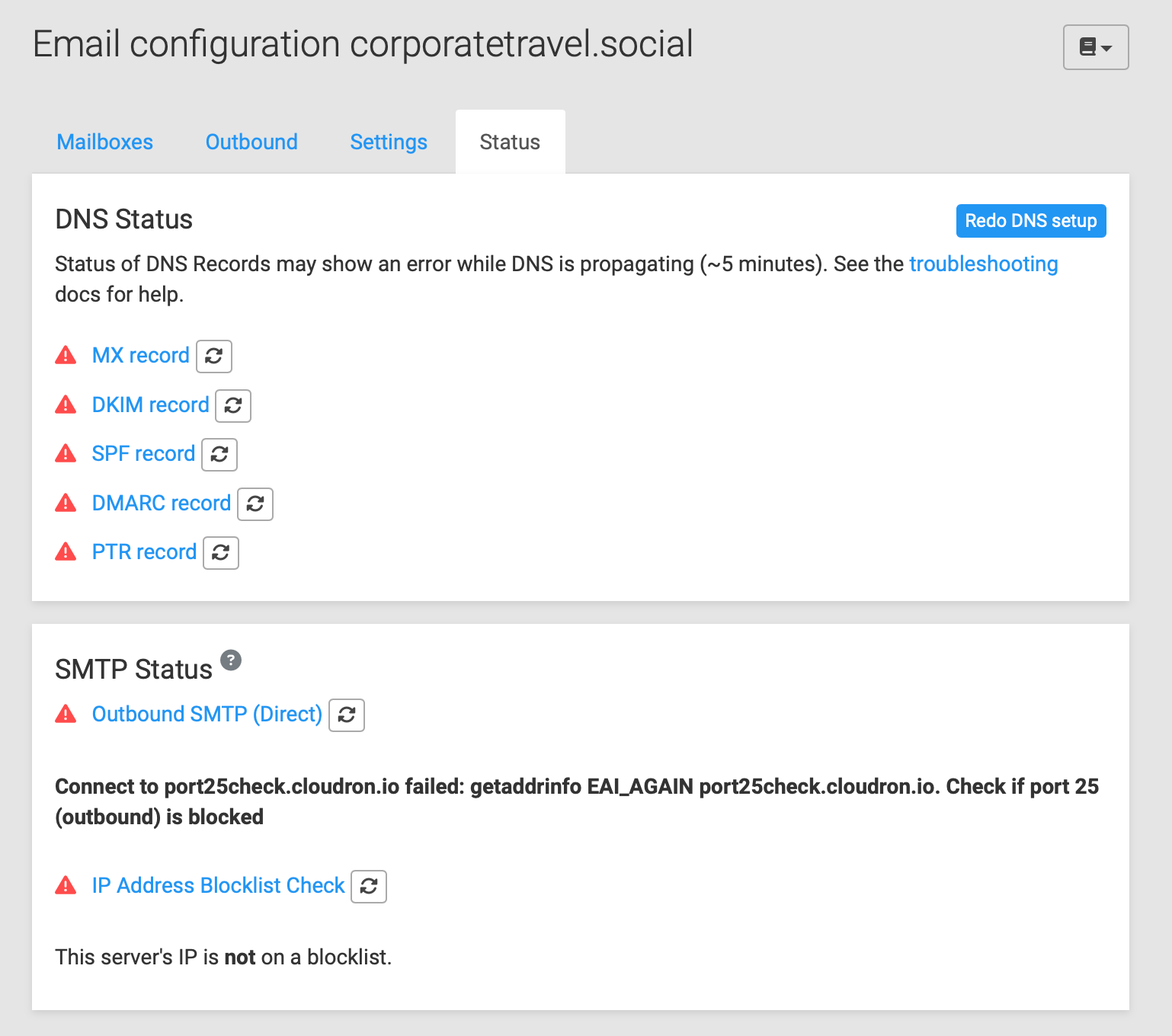
Hi I managed to create and launch a Mastodon server using Cloudron with no assistance from an actual developer nearly two years ago. Suddenly in the last few days, my DNS connection with Namecheap stopped working. So I attempted to reset and recreate it, and now it's even worse off. What I have done is reset the Namecheap API Key and double-checked that the domain is allowlisted. Yet I'm getting the errors in the attached screenshots and the Cloudron AppStore will not load. Thanks for any advice! Jay
-
@b2breporter In Cloudron 8, we switched to systemd-resolved . Maybe something went wrong with the switch over.
Can you check this?
/etc/resolv.confshould containnameserver 127.0.0.53(this is systemd-resolved)systemctl status systemd-resolved. This should say Running / Activeresolvectl. This should show DNS servers . If not , you can add your DNS servers in/etc/systemd/resolved.confin the DNS= section and then restartsystemctl restart systemd-resolved- After this,
host www.cloudron.ioshould work (and rest of the system as well)
-
Thanks, this is beyond my pay grade but I was able to check the first bullet and the result was:
nameserver 127.0.0.11For the second, I got this:
System has not been booted with systemd as init system (PID 1). Can't operate.
Failed to connect to bus: Host is down
root@8939fc7d-7c31-46c9-b581-b1c3fc82e911:/app/code# -
Thanks, this is beyond my pay grade but I was able to check the first bullet and the result was:
nameserver 127.0.0.11For the second, I got this:
System has not been booted with systemd as init system (PID 1). Can't operate.
Failed to connect to bus: Host is down
root@8939fc7d-7c31-46c9-b581-b1c3fc82e911:/app/code#@b2breporter you can contact us on support@cloudron.io and we can fix it up
-
J joseph marked this topic as a question on
-
 G girish has marked this topic as solved on
Hello! It looks like you're interested in this conversation, but you don't have an account yet.
Getting fed up of having to scroll through the same posts each visit? When you register for an account, you'll always come back to exactly where you were before, and choose to be notified of new replies (either via email, or push notification). You'll also be able to save bookmarks and upvote posts to show your appreciation to other community members.
With your input, this post could be even better 💗
Register Login