
Can't acces the dashboard with Chrome browser
-
Hi All,
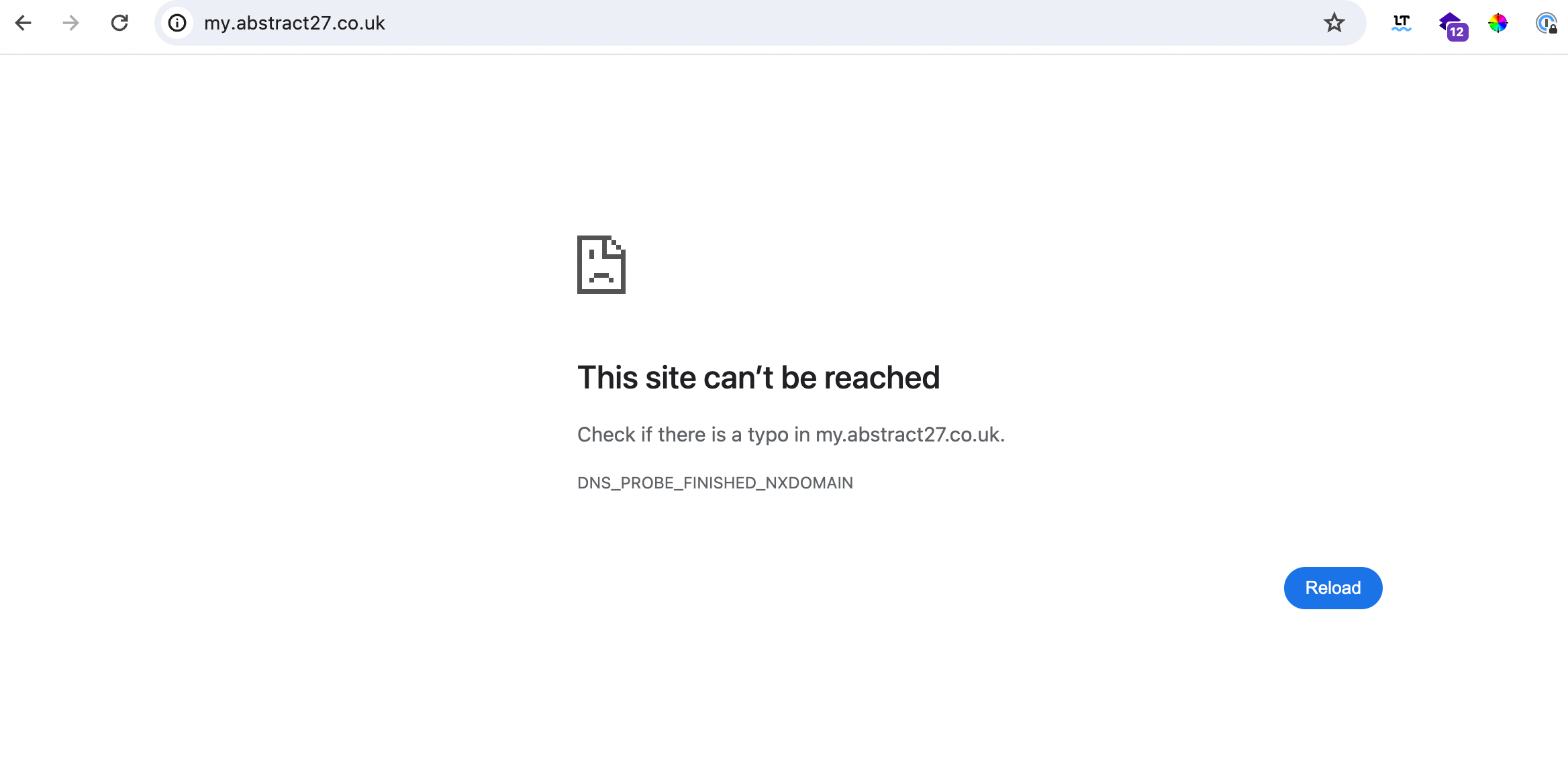
I'm experiencing something weird. I moved the dashboard from my.abstract27.fr to my.abstract27.co.uk and when i browse with chromem i have this
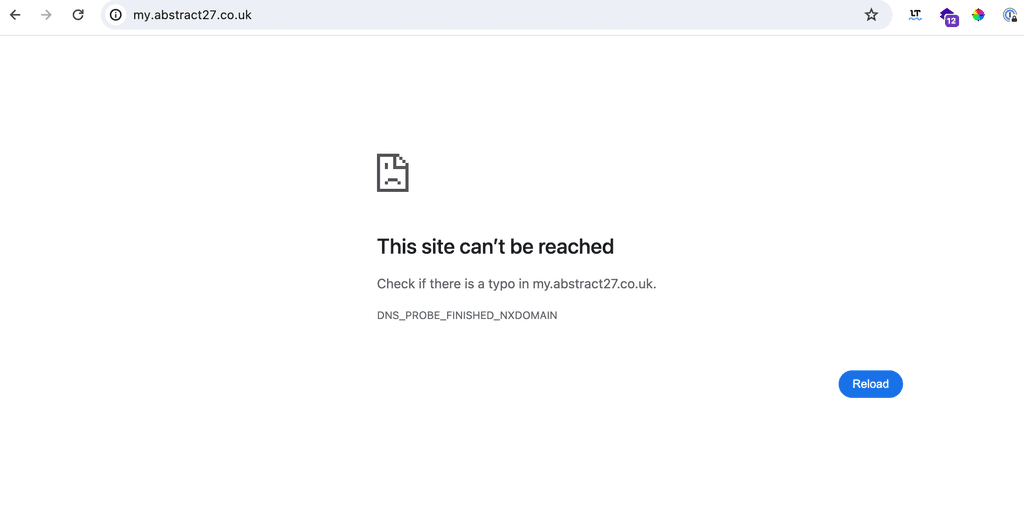
When i browse with Tor Browser it works fine. i then waited one day thinking it was the dns to propagate, i also re sync DNS and renew certificated from the tor browser but still the same.
Any idea ?
-
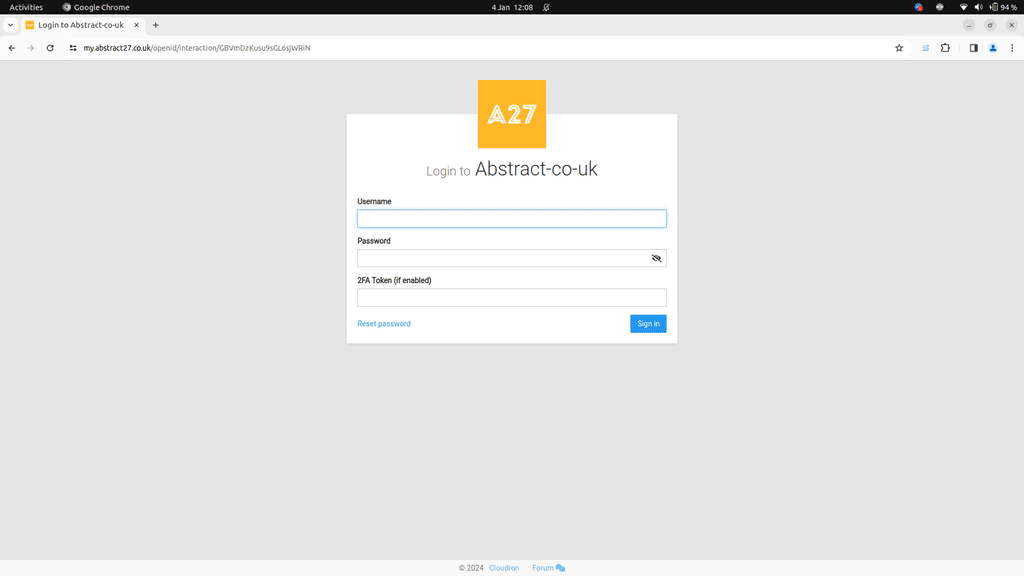
Also working for me in Chrome too
-
i did clear the cache, but i ll double check. @jdaviescoates @robi thanks for your quick feed back guys.
Best, -
This is a DNS caching issue (NXDOMAIN in the error message).
When you visit a domain which at that time doesn't exist, your router/DNS will respond with NXDOMAIN. These domain entries are unfortunately cached a lot longer than normal (like 4-6 hours even) because the caching logic is written for a world where domains don't appear magically.
Potential fix depends on what you use for your DNS. Just add an entry in
/etc/hostsor reboot your router (if router is providing you the DNS). Some routers also have a way to reset the DNS cache. To complicate things, browsers and OS also cache DNS , so clear those as well. For example, https://www.lifewire.com/flush-dns-cache-on-a-mac-5209298 on Mac. -
 G girish marked this topic as a question on
-
G girish has marked this topic as solved on
-
Thanks @girish for the quick reply. I'm getting there.


Hello! It looks like you're interested in this conversation, but you don't have an account yet.
Getting fed up of having to scroll through the same posts each visit? When you register for an account, you'll always come back to exactly where you were before, and choose to be notified of new replies (either via email, or push notification). You'll also be able to save bookmarks and upvote posts to show your appreciation to other community members.
With your input, this post could be even better 💗
Register Login