
Cloudron 9.0.13 backup integrity files remain after cleanup
-
Description
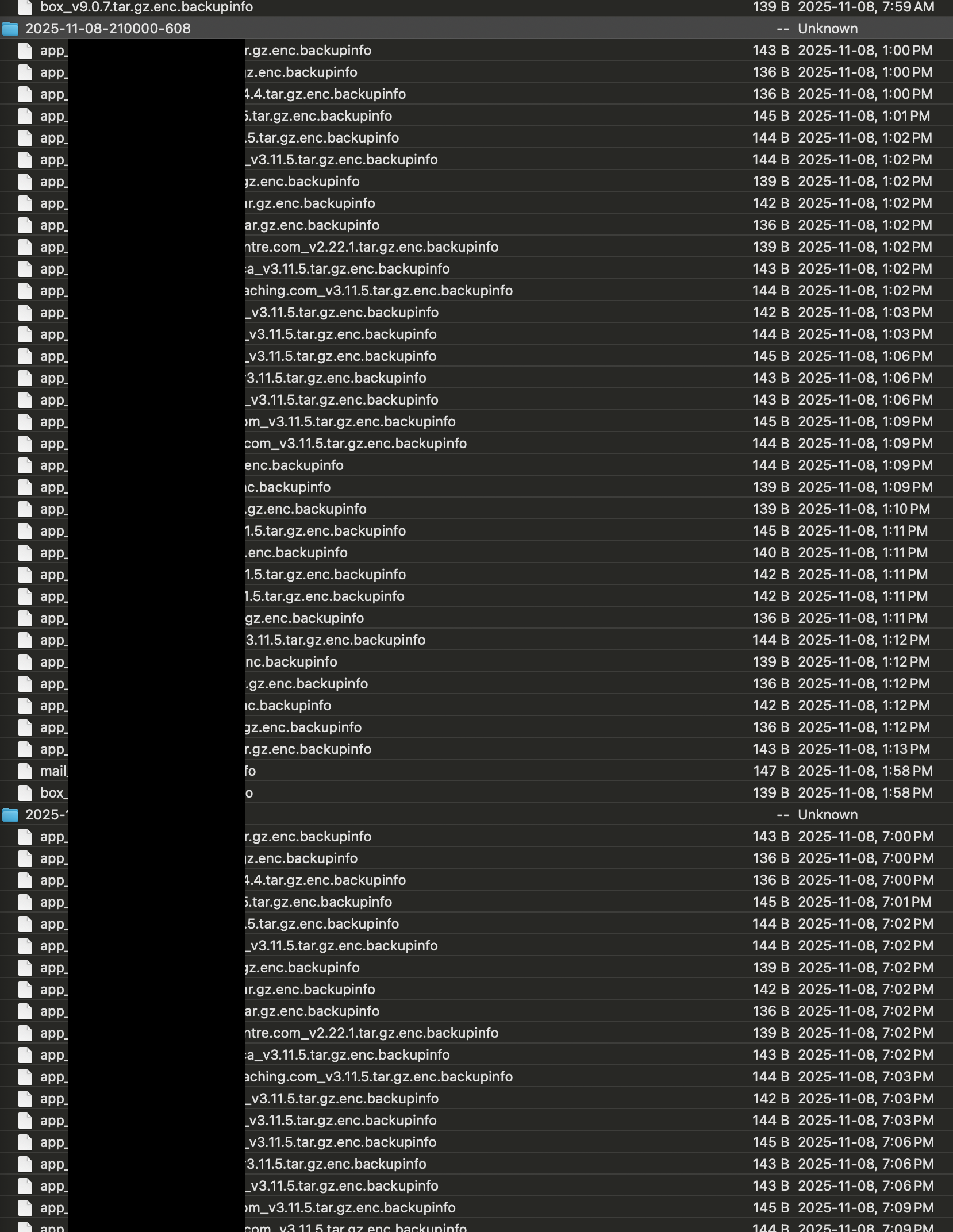
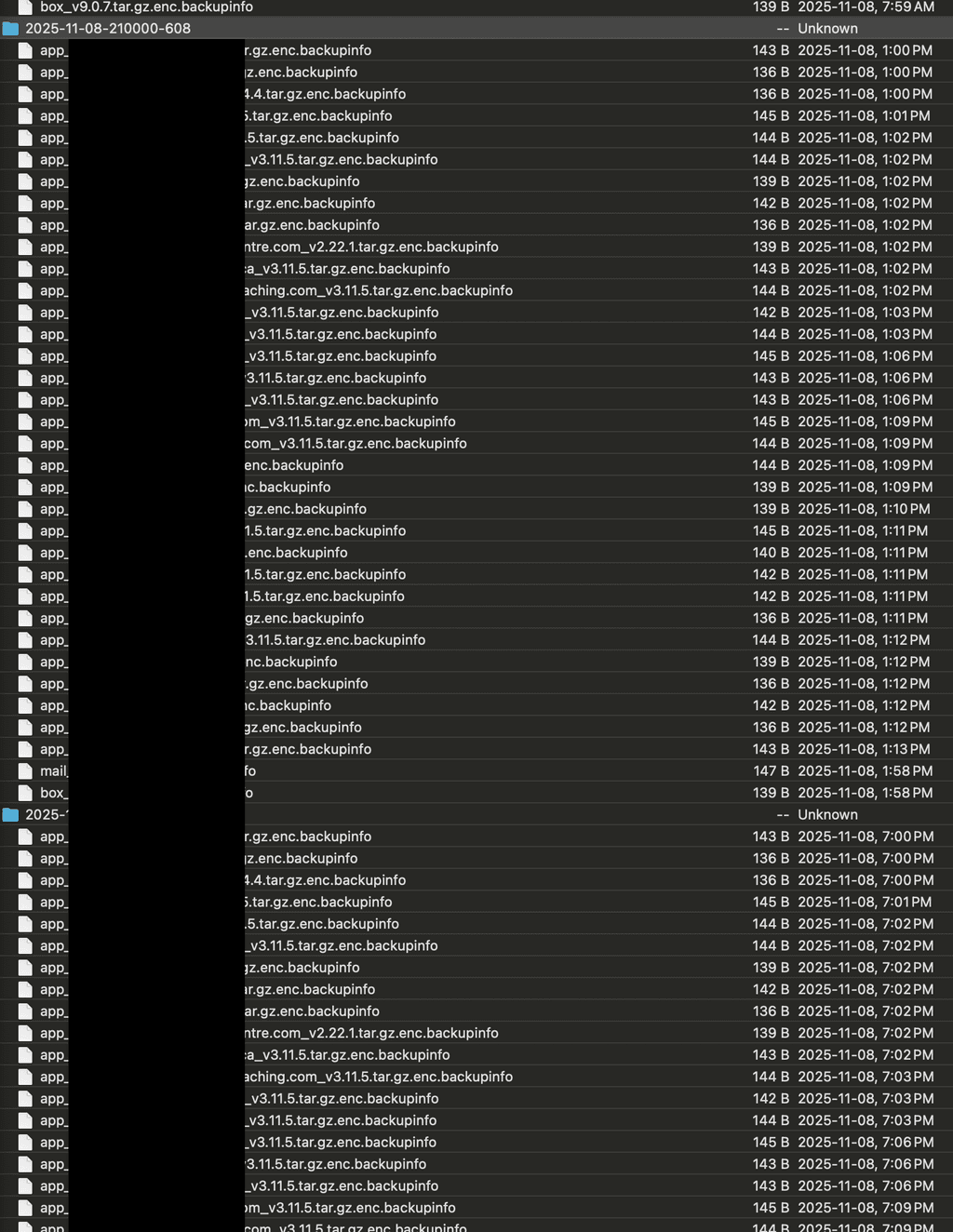
Cleaning backups in 9.0.13 doesn't seem to remove the
.backupinfofiles associated with the new backup integrity features of 9.0.In my case, the backups are encrypted, in case that makes any difference to how the backup info files are generated. So the files are something like
app_<app_name>_v3.11.5.tar.gz.enc.backupinfo. I have many of these files remaining after cleaning up some backups. The larger backups are gone as expected thankfully, but the backup info files remain.I use a s3 backend for my backups (iDrive e3 specifically).
Steps to reproduce
- Run backups for a period of time.
- Set a smaller retention window that there are backups and initiate a "Cleanup backups" task from the Backups page.
- Monitor the s3 storage backend (this may work on other backends too), and watch the files disappear except for the
.backupinfofiles.
-
-
-
 G girish has marked this topic as solved on

Hello! It looks like you're interested in this conversation, but you don't have an account yet.
Getting fed up of having to scroll through the same posts each visit? When you register for an account, you'll always come back to exactly where you were before, and choose to be notified of new replies (either via email, or push notification). You'll also be able to save bookmarks and upvote posts to show your appreciation to other community members.
With your input, this post could be even better 💗
Register Login