
Restoring app from backup?
-
I cannot for the life of me figure out how to do this.
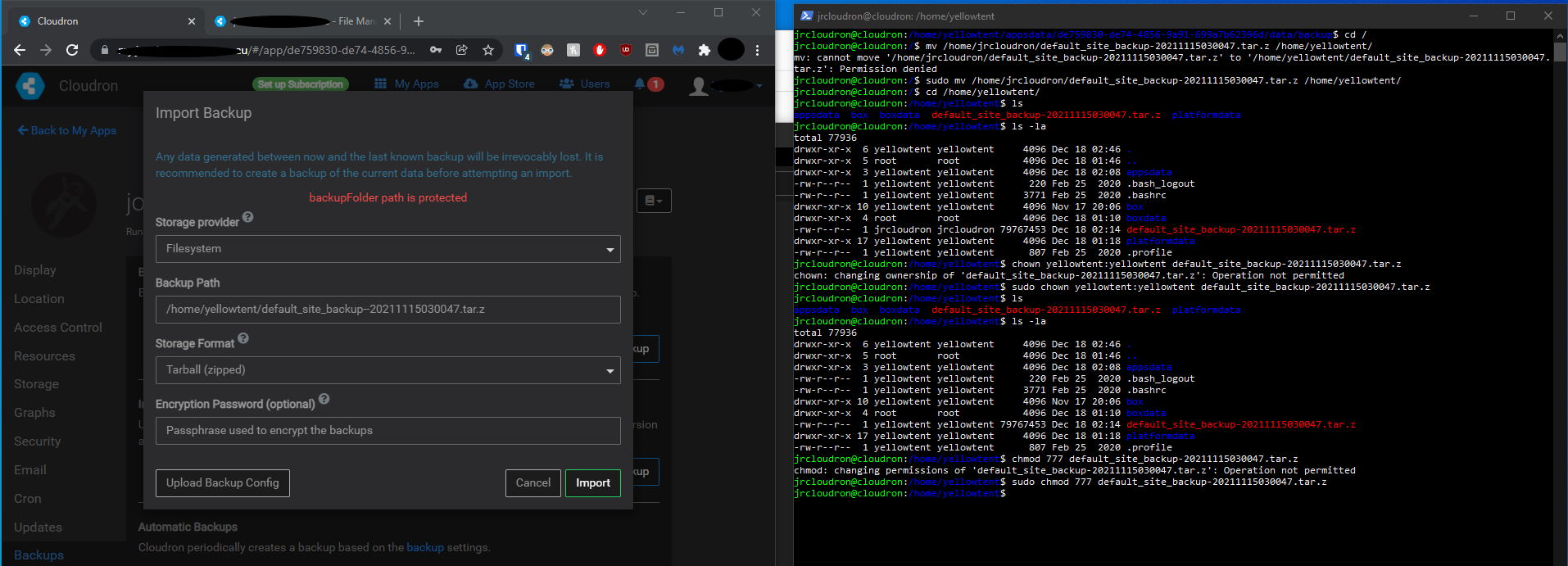
See Image:
I had a grav site and am attempting to move it from a backup.
I have the .zip file. Cannot figure out why I keep getting "backupFolder path is protected"
Anyone have any tips? -
I cannot for the life of me figure out how to do this.
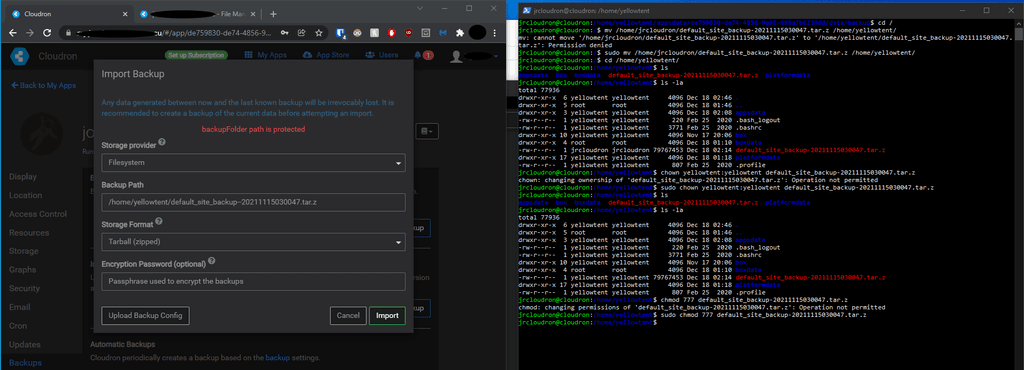
See Image:
I had a grav site and am attempting to move it from a backup.
I have the .zip file. Cannot figure out why I keep getting "backupFolder path is protected"
Anyone have any tips?@joesitsolutions said in Restoring app from backup?:
I have the .zip file. Cannot figure out why I keep getting "backupFolder path is protected"
You can only create backups to specific paths on the server. Many of the paths are "protected" to make sure that the folders won't get overwritten by updates or are used by the system. This is just a hardcoded list of paths:
const PROTECTED_PREFIXES = [ '/boot/', '/usr/', '/bin/', '/lib/', '/root/', '/var/lib/', paths.baseDir() ];(the baseDir above is
/home/yellowtent/). You cannot create backups in subdirectories of the above paths.I understand you are using restore here though and not backup
 The restore logic uses the same validation logic for paths and you have copied the backup to under
 /home/yellowtent/. Instead, copy the backup in some path like/mnt/backups/or/srv/backups/and try to restore, that should work.


Hello! It looks like you're interested in this conversation, but you don't have an account yet.
Getting fed up of having to scroll through the same posts each visit? When you register for an account, you'll always come back to exactly where you were before, and choose to be notified of new replies (either via email, or push notification). You'll also be able to save bookmarks and upvote posts to show your appreciation to other community members.
With your input, this post could be even better 💗
Register Login