Cloudron makes it easy to run web apps like WordPress, Nextcloud, GitLab on your server. Find out more or install now.


Skip to content

Umami

33 Topics 279 Posts
  • Umami - Package Updates

    Pinned Locked
    69
    0 Votes
    69 Posts
    40k Views
    Package UpdatesP
    [3.26.0] Update umami to 3.3.0 Full Changelog Umami now supports TOTP-based two-factor authentication for self-hosted installs. Sessions are now stitched together when a visitor is identified, giving you a complete view of activity across devices and visits. Filter your data using session and event properties. #2945 #4008 Boards can now be cloned, making it easy to duplicate and iterate on dashboards. Website, Link, and Pixel tables now display sparklines for a quick visual overview of activity. Adding a new website now walks you through installing the tracking code. Funnel validation #4434 Revenue query filtering #4286 Session modal issues on mobile #4358 Heatmap and session replay mobile layouts #4417
  • Umami not responding

    11
    2 Votes
    11 Posts
    811 Views
    S
    Had the same issue — Umami stuck on "Not responding" with build-app exiting with code 137 during next build --turbo. Fix: temporarily bump RAM to 8 GB for the first start, let the build complete, then reduce. In my case 3 GB is the minimum stable amount for ongoing operation — 2.5 GB still crashes. Hope this saves someone some time. Would be great if the package could ship with a pre-compiled build to avoid this entirely.
  • v3.24.0 constantly runs out of memory

    7
    2 Votes
    7 Posts
    683 Views
    jamesJ
    Fixed with the latest update https://forum.cloudron.io/post/123645
  • Looks like Umami supports Redis

    redis
    2
    3 Votes
    2 Posts
    503 Views
    girishG
    https://git.cloudron.io/packages/umami-app/-/merge_requests/16
  • Update Umami from v2 to v3

    4
    0 Votes
    4 Posts
    1k Views
    nebulonN
    @tvortex so this is solved then?
  • umami not showing an update?

    3
    1
    1 Votes
    3 Posts
    930 Views
    P
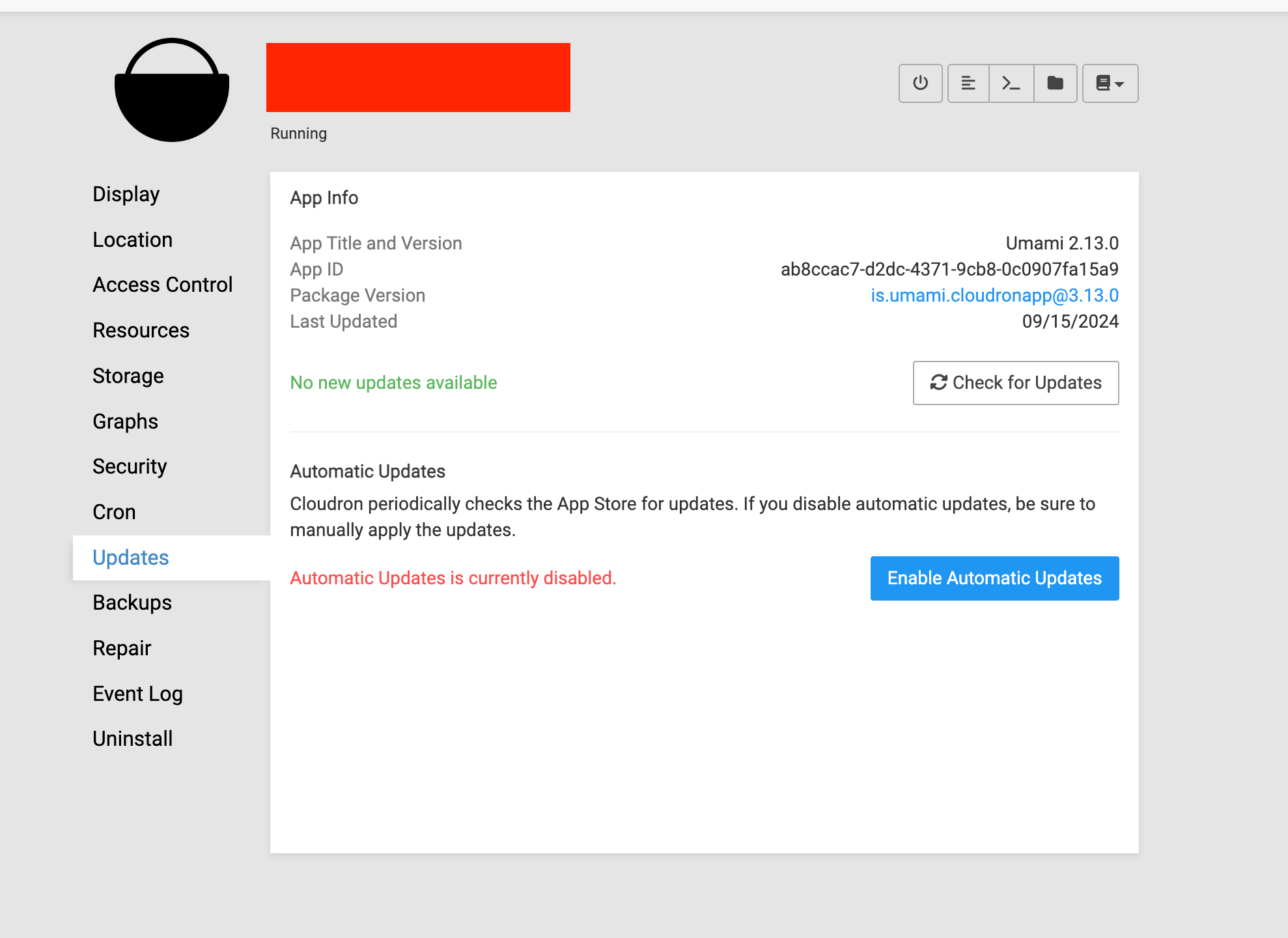
    Ahh, looks like my cloudron install itself was outdated. I'm going through all the versions now and I expect that will solve it. Lot more than just 7.7.1 to go!
  • 0 Votes
    6 Posts
    2k Views
    J
    @Sydney said in Bug Report: Umami's Nginx Configuration Sets An Incorrect X-Forwarded-For Header, Preventing Proper Operation with Proxied Analytic Events: Setting trusted-ips will not do anything about it. It does. remote_addr changes to be based on X-Forwarded-For . See https://nginx.org/en/docs/http/ngx_http_realip_module.html#real_ip_header Can you explain your setup again? I think the post directly jumps to technical solution and problem. I don't think I understand what is trying to be solved.
  • Interesting Alert with the Umami app

    Solved
    5
    3
    2 Votes
    5 Posts
    2k Views
    nebulonN
    Next Cloudron release will not show old checklist items on update.
  • Problem after update

    Solved
    10
    0 Votes
    10 Posts
    4k Views
    archosA
    @girish It really was caused by uBlock Origin. After disabling it, Umami appears to load all pages correctly. In Uptime Kuma, I removed and re-added the HTTPS address for Umami, and now everything works fine. Thank you very much for the information; I would have never thought of that.
  • Umami not responding

    14
    1 Votes
    14 Posts
    5k Views
    G
    And we're up and running again! Thanks again @girish , without your help I wouldn't be able to get it running again.
  • Tracking Code

    3
    1 Votes
    3 Posts
    1k Views
    E
    Thank you so much! For some reason, I always looked in "View" instead of "Edit".
  • Upgrade to umami 2.10.0 failed

    Solved
    3
    0 Votes
    3 Posts
    1k Views
    M
    Thanks. That worked. I augmented from initially 2GB to 4GB. Strange this happens to the instance with a tracker on only one website. My other instance with trackers on four websites had no issues. But by the number of single URL/pages tracked, the first instance has much more single sites to track.
  • Umami stopped Working after upgrade to 7.6

    Solved
    8
    1
    1 Votes
    8 Posts
    4k Views
    D
    @girish yes its working now thank you i will observe
  • Umami and wordpress

    3
    0 Votes
    3 Posts
    1k Views
    P
    I have that installed, and it recognizes traffic, but not clicks or anything
  • upgrade broke TRACKER_SCRIPT_NAME

    4
    0 Votes
    4 Posts
    2k Views
    girishG
    @psifertex iirc, I think that changed happenned from 1.x to 2.x .
  • Umami 2.2.0 tracker XHR request works only on every second app restart

    38
    2 Votes
    38 Posts
    17k Views
    girishG
    @d19dotca @Meuschke this should be finally fixed in the latest update.
  • Anyone having issues with Umami since a few version ?

    7
    0 Votes
    7 Posts
    5k Views
    benborgesB
    @d19dotca Interesting, on the new fresh install, I restarted and voila, it works ! on my old install, the one I don't want to loose the site ID's (even if I lost the historical data, that's fine) I see this error after restart : ==> Starting Umami May 26 10:33:14 May 26 10:33:14 May 26 10:33:14 Inconsistent column data: Error creating UUID, invalid character: expected an optional prefix of `urn:uuid:` followed by [0-9a-zA-Z], found `u` at 1 May 26 10:33:14 Invalid `prisma.website.findUnique()` invocation: May 26 10:33:14 PrismaClientKnownRequestError: May 26 10:33:14 at async NextNodeServer.runApi (/app/code/node_modules/next/dist/server/next-server.js:514:9) May 26 10:33:14 at async NextNodeServer.runImpl (/app/code/node_modules/next/dist/server/base-server.js:432:29) { May 26 10:33:14 at async Object.apiResolver (/app/code/node_modules/next/dist/server/api-utils/node.js:372:9) May 26 10:33:14 at async Object.fn (/app/code/node_modules/next/dist/server/next-server.js:828:35) May 26 10:33:14 at async Router.execute (/app/code/node_modules/next/dist/server/router.js:243:32) May 26 10:33:14 at async __WEBPACK_DEFAULT_EXPORT__ (/app/code/.next/server/pages/api/websites/[id].js:154:25) May 26 10:33:14 at async t._request (/app/code/node_modules/@prisma/client/runtime/library.js:179:10484) May 26 10:33:14 at pn.handleAndLogRequestError (/app/code/node_modules/@prisma/client/runtime/library.js:176:5907) May 26 10:33:14 at pn.handleRequestError (/app/code/node_modules/@prisma/client/runtime/library.js:176:6477) May 26 10:33:14 at pn.request (/app/code/node_modules/@prisma/client/runtime/library.js:176:5786) May 26 10:33:14 clientVersion: '4.13.0', May 26 10:33:14 code: 'P2023', May 26 10:33:14 message: 'Error creating UUID, invalid character: expected an optional prefix of `urn:uuid:` followed by [0-9a-zA-Z], found `u` at 1' May 26 10:33:14 meta: { May 26 10:33:14 }

  • RAM / site ration in a production environment

    Solved
    4
    0 Votes
    4 Posts
    2k Views
    scookeS
    @jayonrails Remember, Cloudron helps you manage your server and apps. To really understand the apps you want to run you need to reading up on those apps. There are times when Cloudron's implementation may have some effect on an app, but please read all you can about the apps first before thinking all your answers should be answer(able)ed by Cloudron. I don't know if @girish had that link saved already for exactly such a question, but it is the sort of thing you could have found yourself, too.
  • Why is Umami only ever showing just over 8 Kb disk usage?

    6
    2 Votes
    6 Posts
    3k Views
    d19dotcaD
    @girish Created a formal feature request at https://forum.cloudron.io/topic/9144/system-disk-usage-should-include-database-consumption-of-each-app/1, just FYI.
  • Umami 2.0.0 is out

    Solved
    4
    1 Votes
    4 Posts
    2k Views
    girishG
    We pushed the new package with 2.0.0. Note that only website/domains are retained across the update. All event data are lost across the update. For this reason, this package is a major release.