
-
After updating my dns management from linode to Cloudflare I’m unable to access cloudrons admin page. I successfully updated the api key inside of cloudron, from Linode to Cloudflare. Everything went great I even backed up my files and installed updates. After restarting the app I wasn’t able to access my admin page again
-
After updating my dns management from linode to Cloudflare I’m unable to access cloudrons admin page. I successfully updated the api key inside of cloudron, from Linode to Cloudflare. Everything went great I even backed up my files and installed updates. After restarting the app I wasn’t able to access my admin page again
-
@nebulon I double checked cloudflare and go daddy and everything seems good, it’s really weird, the admin page worked for a bout 2 minutes but it restarted again, my mastodon is also only working for a couple of minutes and goes on and off for some reason
-
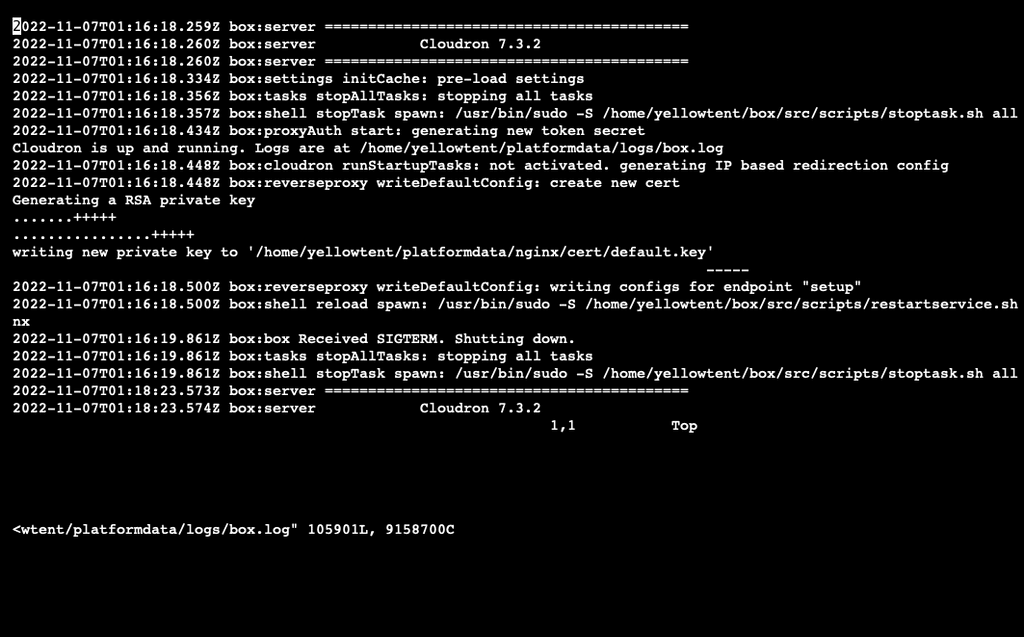
Can you check the logs at
/home/yellowtent/platformdata/logs/box.logalso if nginx responds, but can't serve up the static assets from the dashboard, then this even stranger. -
 N nebulon moved this topic from Mastodon on
-
Can you check the logs at
/home/yellowtent/platformdata/logs/box.logalso if nginx responds, but can't serve up the static assets from the dashboard, then this even stranger. -
@nebulon so disabling the proxy for my.mywebsite worked for the admin page, I can log in no problem, but now I’m having trouble with my mastodon page. I just get an error and my page won’t load
-
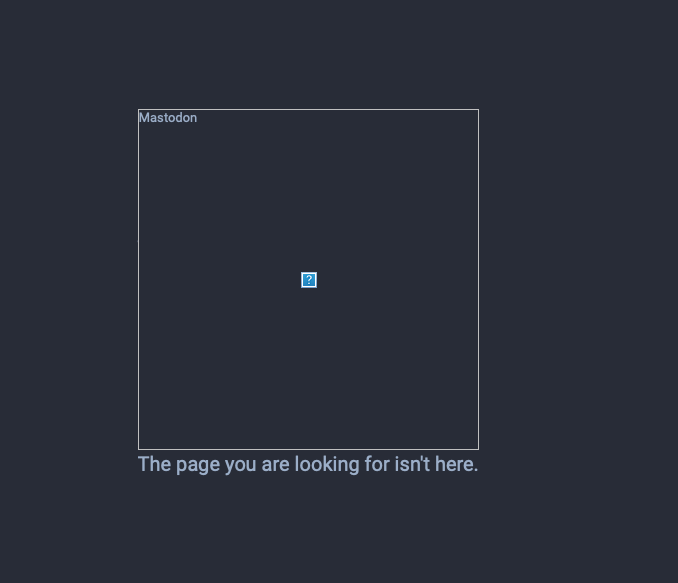
@girish “The page you are looking for isn't here.“
This is the error I get when I try going into my mastodon page, my admin page is working by disabling proxy for the my. subdomain from cloudflare just my mastodon page isn’t working anymore
-
@stvslkt Not sure where that message comes from (it's not from Cloudron). Do you have a screenshot? Is it some message from browser? Maybe you can me the mastodon domain to support@cloudron.io and I can check from our side.
-
@stvslkt Not sure where that message comes from (it's not from Cloudron). Do you have a screenshot? Is it some message from browser? Maybe you can me the mastodon domain to support@cloudron.io and I can check from our side.
-
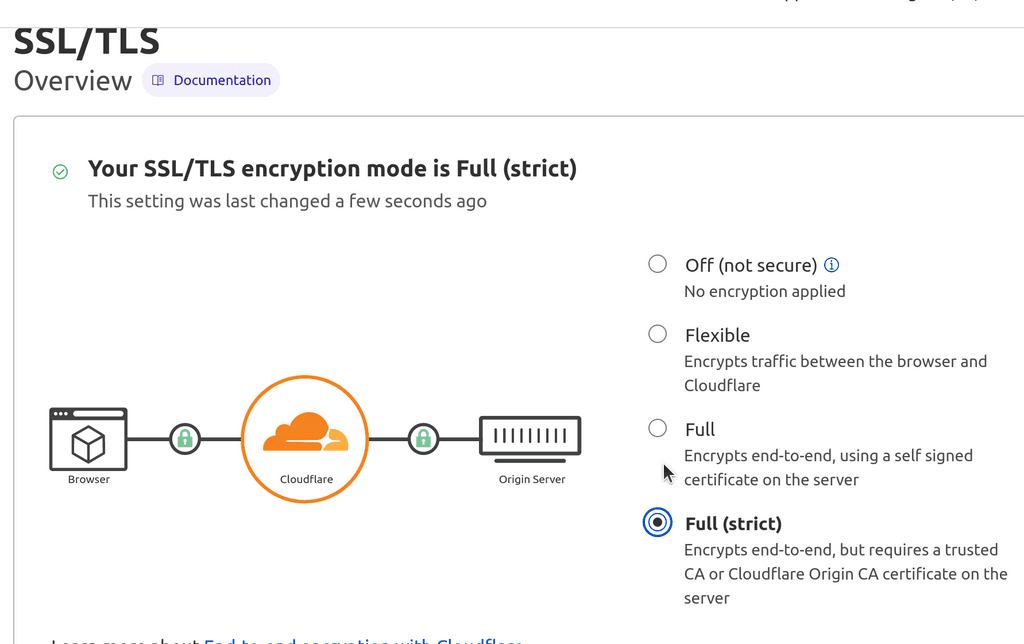
@stvslkt OK so, I was able to reproduce this with a test cloudflare domain. The issue is that in Cloudflare the default proxying mode is "Flexible". This is , well, a dangerous default since it is insecure. Change it to Full (strict) and it starts working. Can you check?
-
 G girish forked this topic on
-
G girish marked this topic as a question on
-
G girish has marked this topic as solved on
Hello! It looks like you're interested in this conversation, but you don't have an account yet.
Getting fed up of having to scroll through the same posts each visit? When you register for an account, you'll always come back to exactly where you were before, and choose to be notified of new replies (either via email, or push notification). You'll also be able to save bookmarks and upvote posts to show your appreciation to other community members.
With your input, this post could be even better 💗
Register Login