Cloudron makes it easy to run web apps like WordPress, Nextcloud, GitLab on your server. Find out more or install now.


Skip to content

Matomo

53 Topics 446 Posts
  • Matomo login timeout

    24
    1 Votes
    24 Posts
    6k Views
    marcusquinnM
    @cbeams OK, turns out it wasn't fixed - back to short logout times. Very strange, some software designers really don't seem to think this sort of thing is an issue, clearly over absorbed in their own ideas and under appreciative of users.
  • How have you got your Matomo set-up?

    11
    1 Votes
    11 Posts
    3k Views
    humptyH
    @d19dotca Yeah, I get what you're saying. The process is not that bad though. As long as you keep the same settings, it's a drop and drop of the files and hitting the start button. It'll save them to the folder you had specified on a previous run and you'll be doing two things as once, resizing and crunching (less work for the server).
  • Update to 4.1.0 [1.23.0] failed

    10
    0 Votes
    10 Posts
    3k Views
    girishG
    @imc67 Good detective work! So, we found that the issue is because the memory limit settings are currently not set for "app task" processes but only for backup tasks. Should have this fixed for the next release.
  • Few problems with Matomo

    4
    1 Votes
    4 Posts
    2k Views
    d19dotcaD
    For what it's worth, if this helps at all, I have always logged in with the default admin account but then set my LDAP user as a super admin, then logged out and logged back in as the LDAP user and as a super admin I removed the default admin account. That way I effectively replace the default admin account with my own LDAP user.
  • Cannot change default password

    Solved
    3
    1
    0 Votes
    3 Posts
    1k Views
    girishG
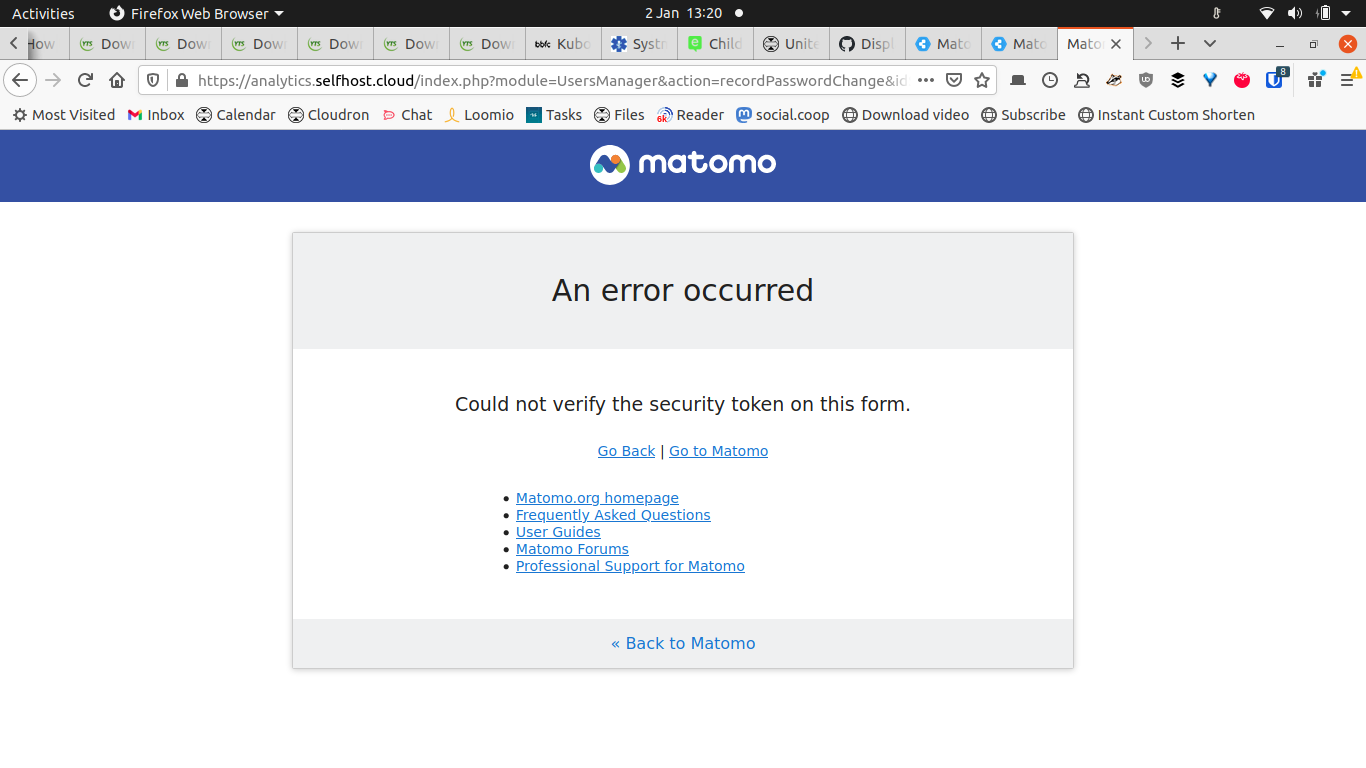
    Looks like the form expired somehow, strange. Will mark this as resolved in any case.
  • Matomo 4.1.0 out today

    2
    2 Votes
    2 Posts
    1k Views
    girishG
    @d19dotca Yeah, I tried updating it yesterday but there is a file integrity warning (something to do with the less tool). Have to investigate and/or report upstream.
  • 0 Votes
    13 Posts
    6k Views
    d19dotcaD
    Okay so after multiple file integrity issues ("X does not exist"), I opted to install a new Matomo instance, and migrated the data from old to new. It seems to be working well and passes all system checks now. I think this can be marked resolved. I still don't know how it ever got into that state, but it's good again.
  • Matomo WP Connection: HTTP vs PHP API

    3
    0 Votes
    3 Posts
    1k Views
    humptyH
    @marcusquinn Thanks Marcus!
  • Matomo & WP - no data being collected

    Moved Solved
    24
    0 Votes
    24 Posts
    6k Views
    humptyH
    @marcusquinn The funny thing about that is that I didn't believe the Firefox settings actually worked lol.. more like they wouldn't be honored, especially by closed source apps. Edit: @marcusquinn In that case, I'll start using it instead of Decentraleyes.
  • Seems like too many LDAP Server instances in Matomo Settings.

    Solved
    4
    1
    0 Votes
    4 Posts
    2k Views
    d19dotcaD
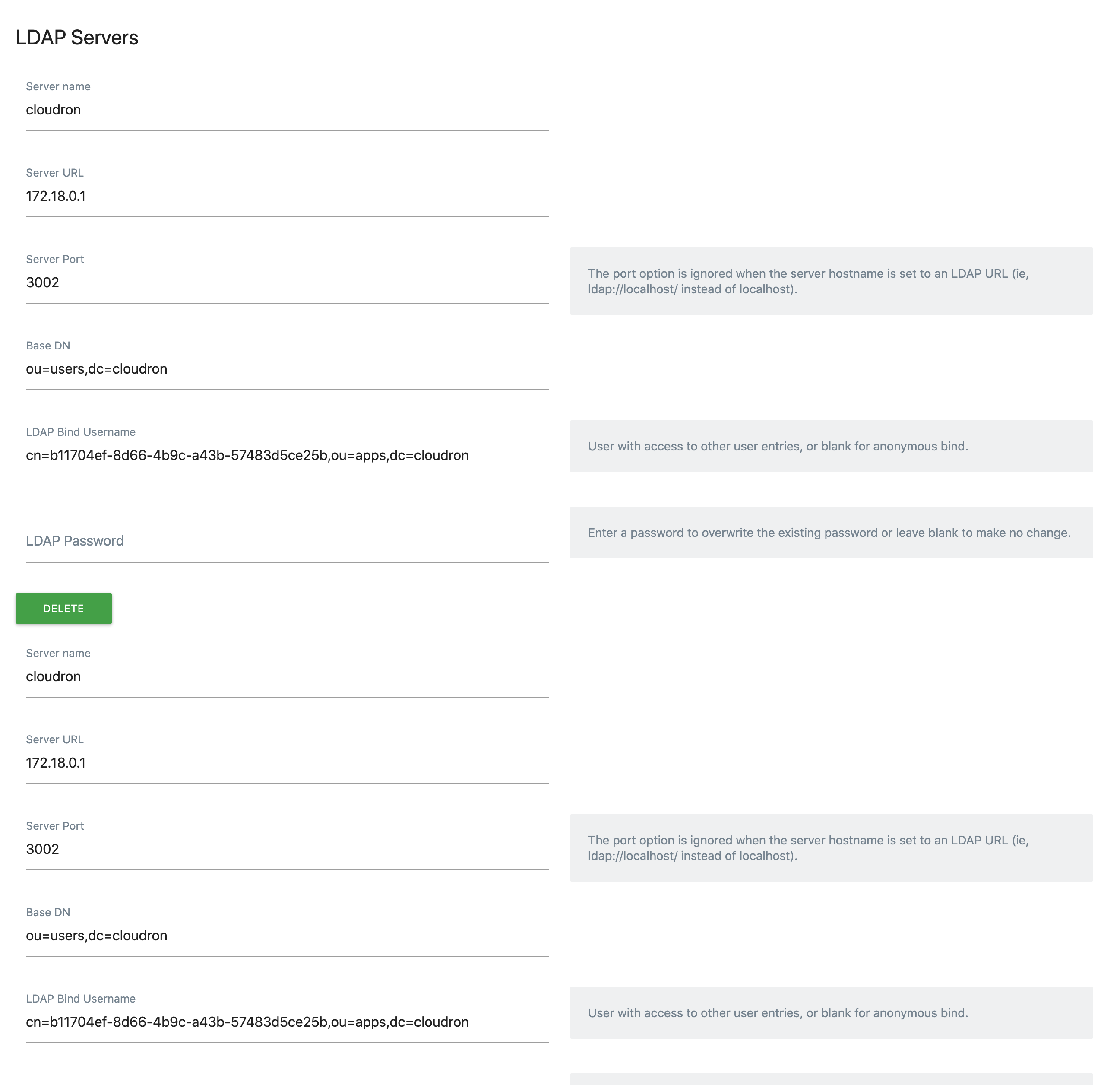
    @girish Thank you! I updated and can confirm it's working as expected now with only the one LDAP server listed.
  • 2 Votes
    1 Posts
    693 Views
    No one has replied
  • Matomo stopped working with a Wordpress site in the afternoon of Fri 25th Sept

    Solved
    3
    0 Votes
    3 Posts
    1k Views
    marcusquinnM
    Somehow fixed by running the reset link in the plugin Settings > Support. No idea what setting was wrong but happy to confirm not a Cloudron issue. Sorry for the bother, was just eliminating possibilities. Solved. Thanks
  • 0 Votes
    6 Posts
    3k Views
    d19dotcaD
    @girish A fresh install already has it set to "No"? Interesting, I don't recall ever setting mine to "Yes", but I guess I did. Thank you for confirming, seems it's okay then if it's set to "No" by default and the cronjob is doing it automatically.