@joseph thanks!
@james local comp time is fine. how do I know it is not correct though?
Btw this issue still persist somehow, but when I tried to open it from incognito mode it's fine, so probably it's the browser cache.
Thanks for the help.
I don't think there is a plugin per se, but you should be able to use the Cloudron API to do this.
In the past I had played around with WordPress Multi site and the Cloudron SSO plugin to allow site creation, but didn't get much further.
Pretty much all my sites have MainWP Child, All-in-One WP Migration, Instant Images, Media Cloud, and Fonts Plugin. And sometimes Blogo.
EDIT: Bogo, a translation plugin. Blogo was one of my fav blogging apps on the Mac way back when.
@joseph said in Issue with WPvivid Backup File Size and Download Process:
Or is this somehow related to Cloudron ?
My guess would be the locked down nature of the WordPress (Managed) Cloudron package is stopping WPvivid from working properly and the solution is likely to be using WordPress (Developer) instead, which IMHO ought to be the default Cloudron WordPress app given so many issues people have with WordPress on Cloudron seem to be related to using the (Managed) app.
So, this happens because the package wants to re-configure WP with the correct domain , database etc on start up. Making the config file read only makes it not work. Not sure if this is fixable.
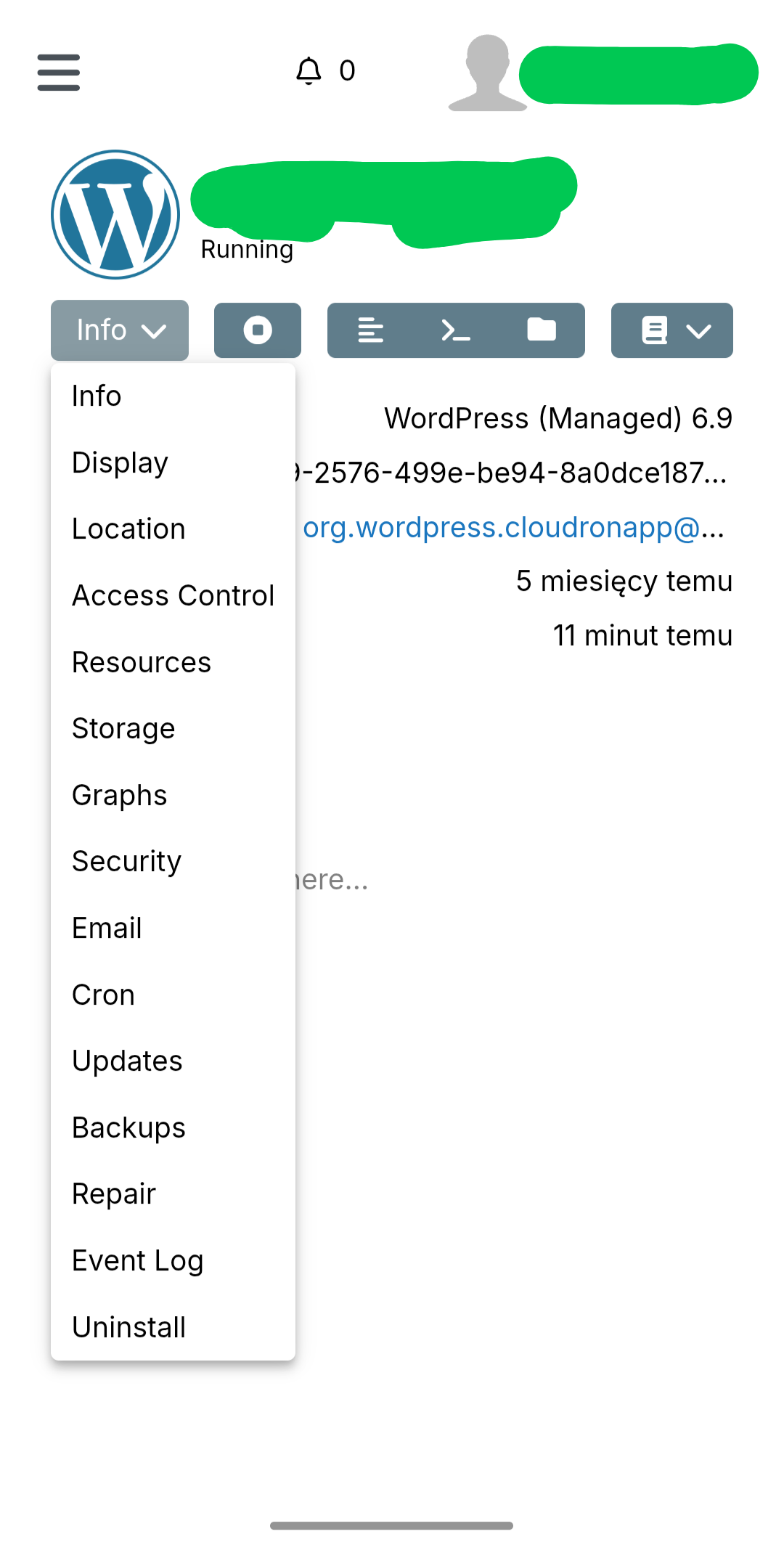
Thanks for the reply. I do have automatic updates enable, and in the app it says "Automatic Updates is currently enabled." But for some reason the automatic updates haven't been applied since packaged version 3.3.0 on 08/09/2023 for multiple of my sites. I am able to manually click update in the Updates section of the app, so I am good for now, thanks.