Cloudron makes it easy to run web apps like WordPress, Nextcloud, GitLab on your server. Find out more or install now.


Skip to content
  • 0 Votes
    2 Posts
    605 Views
    nebulonN
    This was handled via support. The root cause was a bug in our addon handling. Fix is https://git.cloudron.io/cloudron/box/-/commit/01945675edfd705d1a19d6ed9e40633b721be8f7
  • Update notification for pre-release version?

    Solved Support update notification
    6
    1
    1 Votes
    6 Posts
    2k Views
    girishG
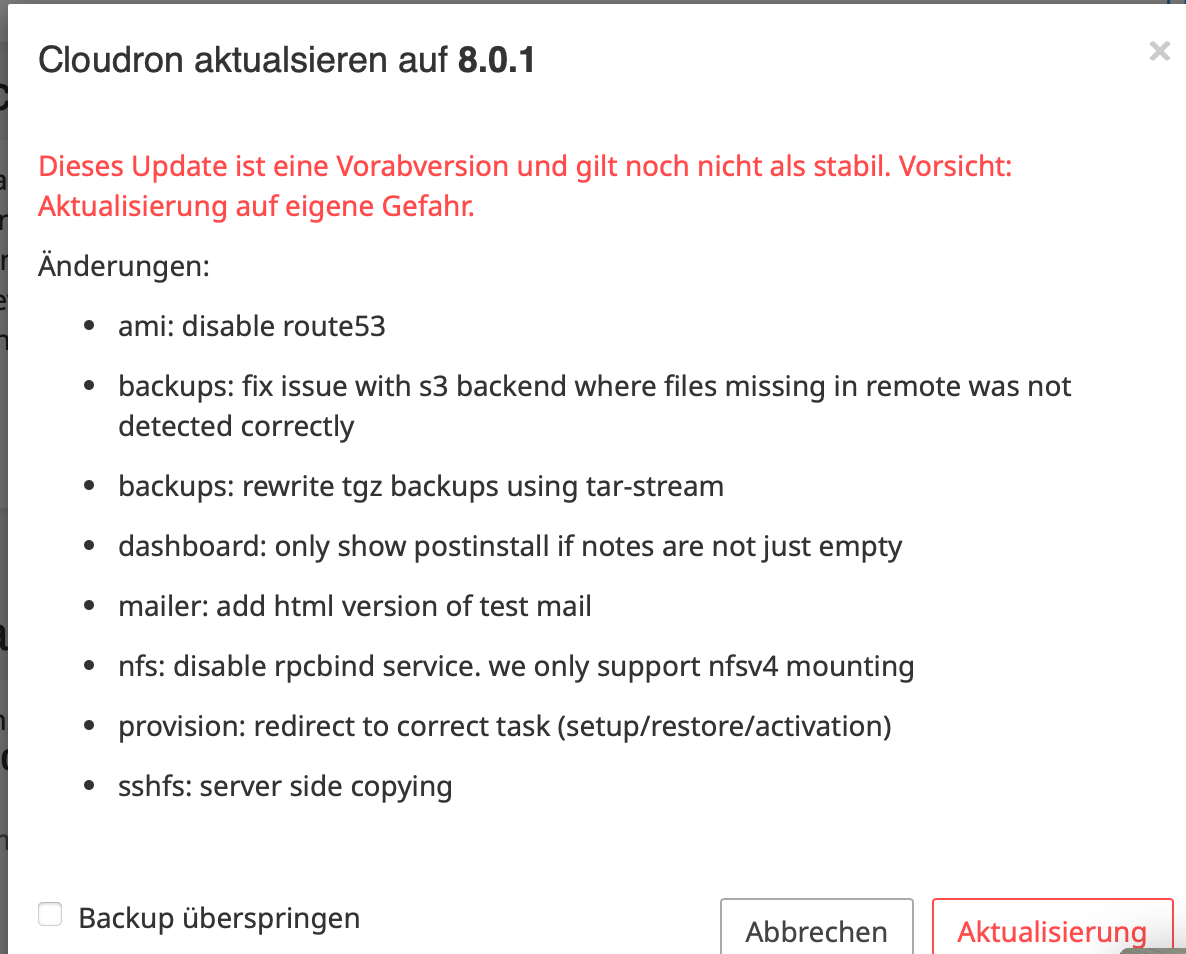
    @Jarod In the AWS Marketplace Image (AMI) , route53 is disabled in the setup screen. It is apparently against Marketplace policy to take route53 API credentials (a member of their team had reached out to us and notified us about this). So, if you use the AMI, then the setup screen will not show route53 as an option anymore.
  • 3 Votes
    1 Posts
    266 Views
    No one has replied
  • Update to 8.0 - Stuck on “removing containers for upgrade”

    Solved Support update
    16
    1 Votes
    16 Posts
    4k Views
    M
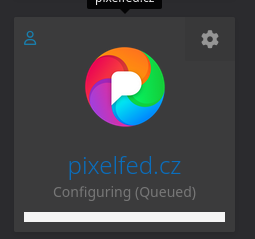
    Hi, we did not initiate an update manually. According to the logs, Cloudron updated to v8.0.3 this morning at 6:58. The message "removing containers for upgrade" was still there at midday. Error message when going to an app: "This app is currently not responding. Please try refreshing the page in a few minutes." After a manual reboot, all apps were "Configuring (Queued)" for a while. Now the first apps are running again. Yeah
  • All recently updated & restarted apps stuck in starting in Cloudron

    Solved Support update
    7
    1 Votes
    7 Posts
    2k Views
    C
    @girish I had the same problem with 2 apps (one recently automatically upgraded[n8n] and another installed now [archivebox] and both reported "Starting" in the dashboard despite working URLs (status really = "Running'). systemctl restart box cleared up the dashboard. But in checking box.log, I can see where about 2 days ago, box:apphealthmonitor app health {running, stopped, unresponsive} stopped running. I did not see an error, just nothing in the log. After systemctl restart box, the entry began appearing in box.log. The only unusual aspect of my Cloudron is that I have been experimenting with a privately hosted app. FYI, that app was "Running". Hope this is helpful in figuring out what is going on.

  • Cannot update Cloudron, problem with GRUB

    Solved Support update ubuntu
    3
    1 Votes
    3 Posts
    568 Views
    M
    Thanks, it's solved. No disk wasn't changed. It's running on AWS.
  • 0 Votes
    3 Posts
    1k Views
    girishG
    There are some further notes in https://docs.directus.io/getting-started/architecture.html#versioning . For them, "Minor — A new feature or meaningful improvement to an existing feature: may or may not be breaking." I think Cloudron packaging has to follow what upstream does, otherwise, every minor release now becomes a major in Cloudron. Maybe best to turn off automatic updates for Directus and analyze each Cloudron package update?
  • Peertube v6.0.2 update - success!

    PeerTube peertube update success 6.0 6.0.2
    1
    4 Votes
    1 Posts
    277 Views
    No one has replied
  • Update to Cloudron v7.6.2 pre-release: Success!

    Discuss cloudron 7.6.2 update
    2
    2 Votes
    2 Posts
    455 Views
    No one has replied
  • Error when updating Cloudron to 7.4.3

    Solved Support update
    2
    1 Votes
    2 Posts
    371 Views
    M
    probably via https://forum.cloudron.io/post/71420
  • Upgrade to Cloudron 7.6.1 ... services don't start?

    Solved Support update
    6
    1 Votes
    6 Posts
    2k Views
    girishG
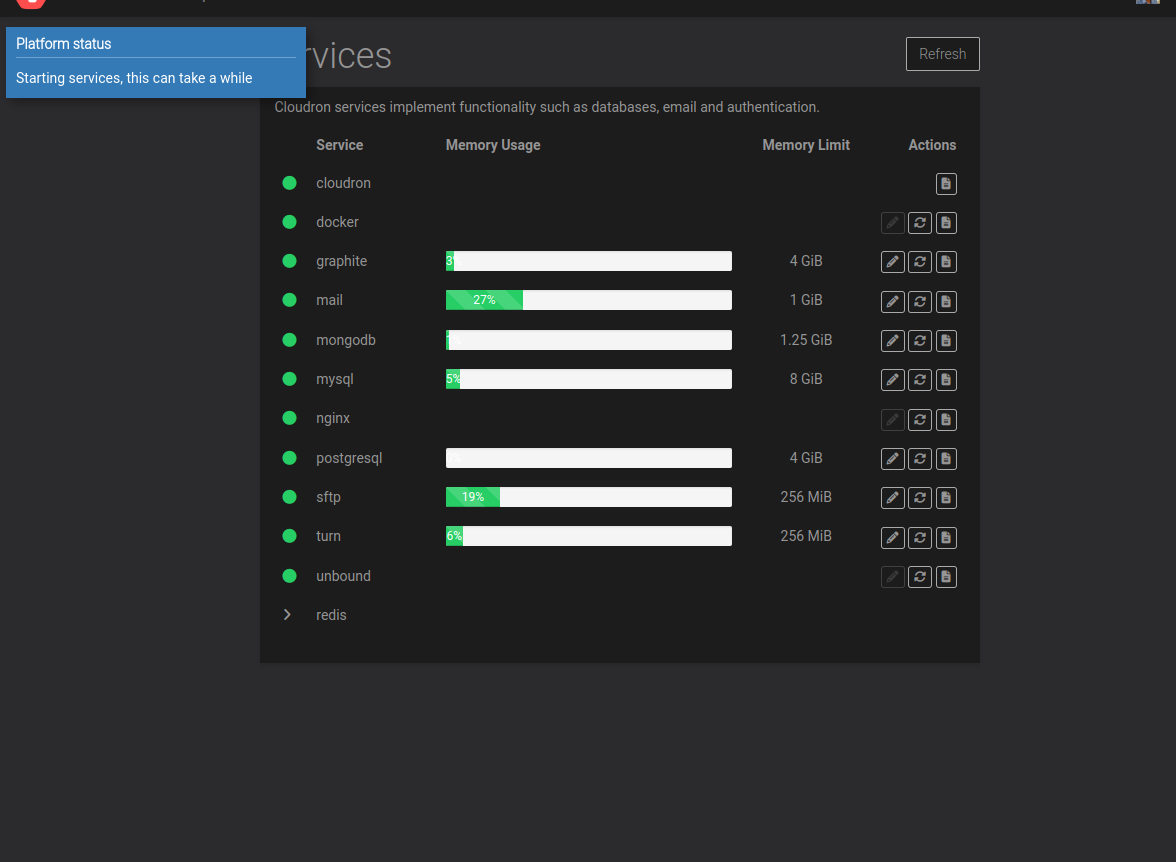
    @Kubernetes thanks for reporting!
  • 1 Votes
    3 Posts
    3k Views
    O
    @jdaviescoates Hello I don't know if this is much help, but I have landed on using the following procedure: First, on my Cloudron box, I mount my library as a shared volume. I then sync this volume to the Calibre web app using the following syntax: rsync -azP --delete /mnt/volumes/<volumeid>/ /home/yellowtent/appsdata/<appid>/data/library Notice the trailing slash on the source, but not on destination. The drawback on this method is that changes I make in the Calibre web app are overwritten when doing an rsync. So I try to not use the web app for changes (uploads, metadata edits etc). More on this on this topic: Calibre not able to write on mounted (cifs) volume
  • Cloudron Upgrade issue

    Solved Support update
    8
    0 Votes
    8 Posts
    2k Views
    E
    Thank you, that has solved the problem!
  • 0 Votes
    7 Posts
    2k Views
    necrevistonnezrN
    ... or even in the docs (which are, by the way, excellent!)
  • Cloudron shows domain setup page after a possible crash

    Solved Support sftp update
    6
    1 Votes
    6 Posts
    1k Views
    girishG
    The full solution is : First run (as-is): mysql -uroot -ppassword box -e "delete from blobs where id='sftp_private_key' OR id='sftp_public_key'" Then, /home/yellowtent/box/setup/start.sh to complete the migrations Then, systemctl restart box
  • Cloudron stuck on version 7.3.5

    Solved Support update
    17
    0 Votes
    17 Posts
    5k Views
    P
    @girish worked on the 20.x instance
  • Updates not possible "BoxError: Version info mismatch"

    Solved Support update
    3
    1 Votes
    3 Posts
    867 Views
    R
    Worked on v 7.3 same issue.
  • Cloudron not reachable after reboot

    Support update
    3
    1 Votes
    3 Posts
    559 Views
    girishG
    Check the contents of/home/yellowtent/box/VERSION . Is it 7.4.3 ? If so, you can run the commands below and make it work again . After you get it back, snapshot the server and upgrade ubuntu when possible. mkdir -p /usr/local/node-16.18.1 curl -sL https://nodejs.org/dist/v16.18.1/node-v16.18.1-linux-x64.tar.gz -o /tmp/node.tar.gz tar zxvf /tmp/node.tar.gz --strip-components=1 -C /usr/local/node-16.18.1 rm /tmp/node.tar.gz ln -sf /usr/local/node-16.18.1/bin/node /usr/bin/node ln -sf /usr/local/node-16.18.1/bin/npm /usr/bin/npm systemctl restart box
  • Update not working

    Solved Support update
    6
    0 Votes
    6 Posts
    2k Views
    girishG
    This continues in https://forum.cloudron.io/topic/9514/panic-mode-update-failed
  • Update Ubuntu

    Solved Support ubuntu update
    5
    0 Votes
    5 Posts
    2k Views
    girishG
    We can't change the doc page yet atleast until 7.5 is stable. Also, 18.04 is still supported to install pre-7.4 releases.