Cloudron makes it easy to run web apps like WordPress, Nextcloud, GitLab on your server. Find out more or install now.


Skip to content

Jellyfin

43 Topics 337 Posts
  • Jellyfin - Package Updates

    Pinned
    62
    1 Votes
    62 Posts
    17k Views
    Package UpdatesP
    [1.13.2] Update jellyfin to 10.11.6 Full Changelog Prioritize better matches on search [MR #15983], by @Shadowghost Fix artist display order [MR #15816], by @theguymadmax Restore weekly refresh for library folder images [MR #16046], by @theguymadmax Be more strict about PersonType assignment [MR #15872], by @Shadowghost Fix birthplace not saving correctly [MR #16020], by @theguymadmax Trim music artist names [MR #15808], by @theguymadmax Add mblink creation logic to library update endpoint. [MR #15965], by @Collin-Swish Fix watched state not kept on Media replace/rename [MR #15899], by @MarcoCoreDuo Skip hidden directories and .ignore paths in library monitoring [MR #16029], by @theguymadmax Revert "always sort season by index number" [MR #15950], by @theguymadmax
  • branding.xml not persistent

    3
    1 Votes
    3 Posts
    96 Views
    nebulonN
    A new package version is out, which should fix this issue
  • Jellyfin and OIDC passwords

    10
    0 Votes
    10 Posts
    275 Views
    RoundHouse1924R
    Unfortunately, the Home Assistant Jellyfin integration seems to demand username/password. So, in that case, you would need to create a user within Jellyfin for this purpose.
  • Jellyfin - the beast eats GB

    14
    3 Votes
    14 Posts
    7k Views
    jdaviescoatesJ
    I don't seem to have this issue. I've got 823.52 GB of video files (in a mounted Hetzner Storage Box) and another 845.46 GB of music files (in another mounted Hetzner Storage Box) but my Jellyfin app is only taking up 5.86 GB of space. I've never edited these: [image: 1762344497484-31c85db4-6e36-4c60-83e3-1fc260ab37c8-image.png]
  • Cannot make a user admin ("Allow this user to manage the server")

    4
    2
    2 Votes
    4 Posts
    957 Views
    jdaviescoatesJ
    @scooke said in Cannot make a user admin ("Allow this user to manage the server"): At least one person did exactly this: selected a user, clicked the box for "Allow this user to manage the server", and it worked. HOWEVER, the new user they created was given the name "admin", the previous initial admin user having had it's name changed from "admin" to something else, thereby freeing up the name "admin", I guess. That's not what happened to me. No new user was added. I have no user called "admin". Perhaps that might've happened in a non-Cloudron set-up or an earlier version or something @scooke said in Cannot make a user admin ("Allow this user to manage the server"): A post here, https://jellyfin.org/docs/general/installation/truenas#users--permissions, mentions groups and users... I wonder if the User you want to make Manager needs to also be a Manager/Admin type within Cloudron, first, assuming the two overlap/are the same. I don't think there is any overlap. My admin user isn't even a Cloudron user. For now I'm just not going to worry about it. It would've made my life marginally easier if I could've had multiple admins, but it's no big deal if I can't (and, actually, the account I was trying to make an admin is the one the auto-logs-in to my tv, which the kids use, so I'm kinda sorta glad that didn't work!) But thanks for investigating

  • Unable to connect to server

    Solved
    4
    2
    0 Votes
    4 Posts
    985 Views
    jdaviescoatesJ
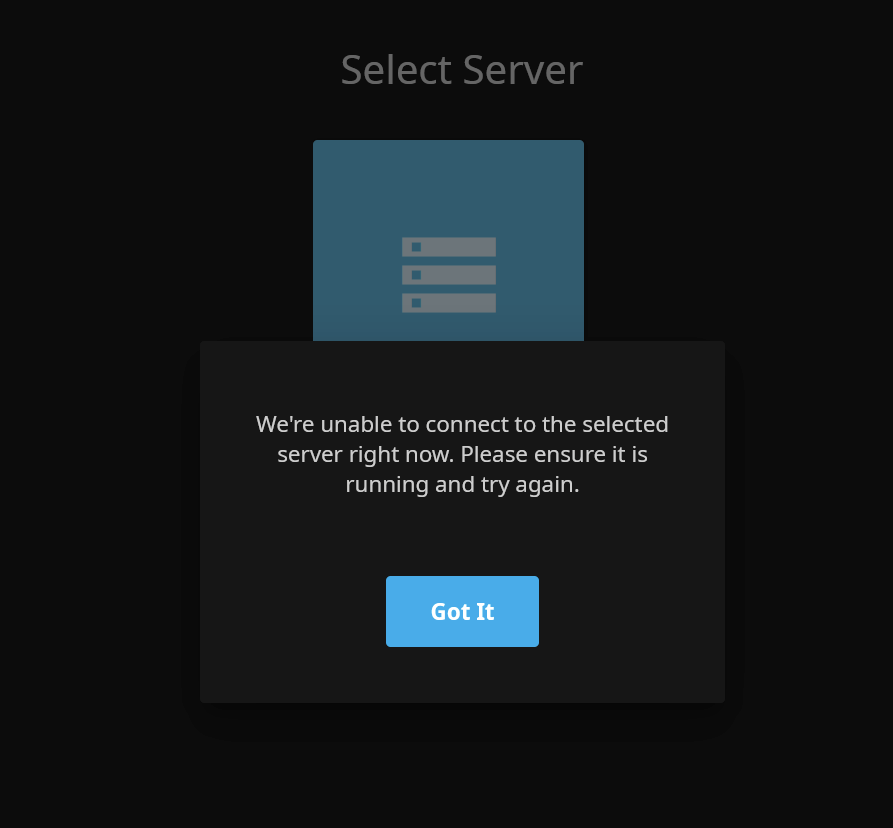
    I cleared browser data and now it's working again.
  • CUDA not permitted

    Solved
    16
    2
    0 Votes
    16 Posts
    5k Views
    robiR
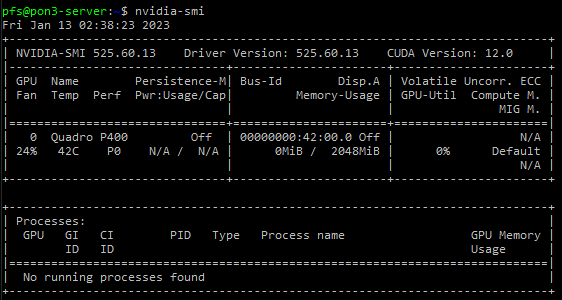
    @AartJansen I still think more progress could be made if a different docker runtime would be used as mentioned in #10
  • Jellyfin 10.10.0 released with heaps of updates and fixes

    2
    0 Votes
    2 Posts
    455 Views
    girishG
    New package passed CI, it's out now
  • mount NAS files over cifs

    Solved
    2
    1
    1 Votes
    2 Posts
    706 Views
    J
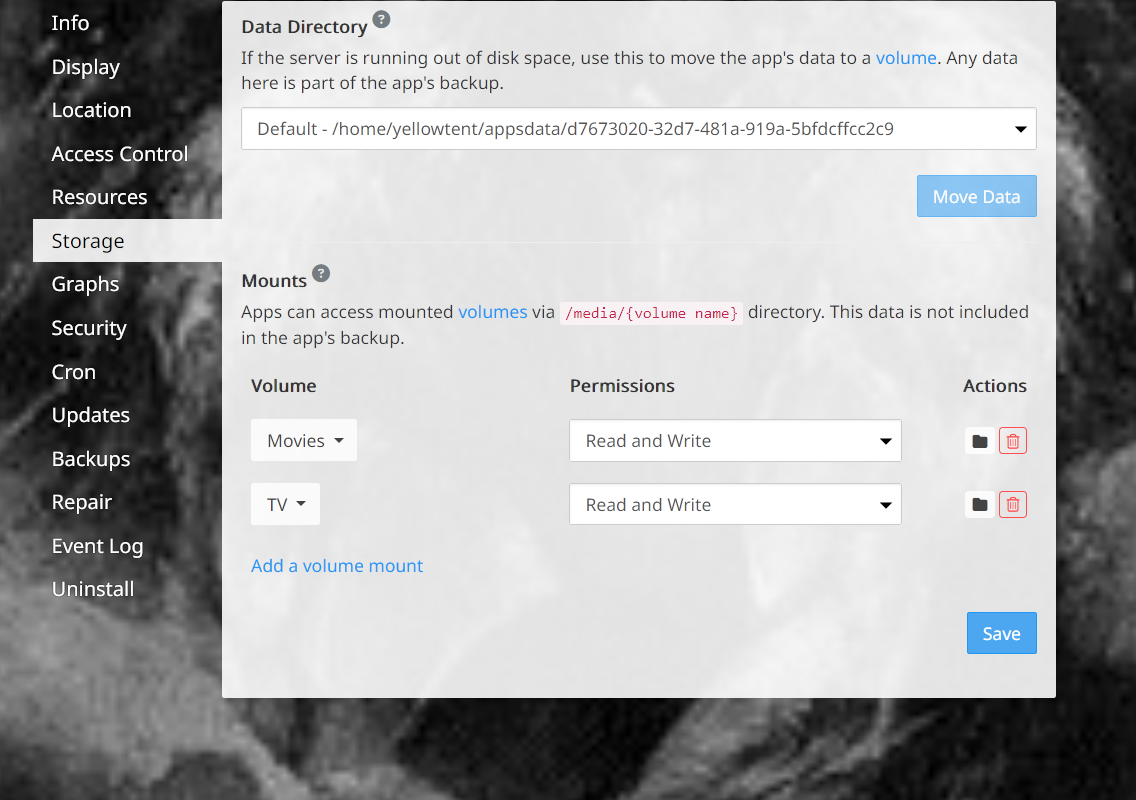
    https://docs.cloudron.io/apps/#mounts for future reference
  • Hardware Transcoding

    1
    0 Votes
    1 Posts
    433 Views
    No one has replied
  • 0 Votes
    2 Posts
    819 Views
    scookeS
    Well. Here is an update. It is now working. The Event Log shows it was restarted today at 9:30. I did not do that. Now it works. Strange.
  • Jellyfin 10.9.0 released with lots of updates

    Solved
    2
    2 Votes
    2 Posts
    903 Views
    nebulonN
    New package with Jellyfin 10.9.1 is out now.
  • LDAP and cloudron admin

    2
    1 Votes
    2 Posts
    692 Views
    nebulonN
    Generally the admin status from the Cloudron is not conveyed over to the app. If the admin status is reset within the app, then this is likely a Jellyfin issue.
  • Jellyfin Error

    4
    1 Votes
    4 Posts
    2k Views
    R
    Thanks for the replies. It was exactly that -- needed to whitelist the new IP in the DNS settings on name.com. The holidays kept me from really thinking this through.
  • New User and default Library access

    13
    0 Votes
    13 Posts
    5k Views
    girishG
    LDAP permissions is fixed in the latest package.
  • Transmission + Jellyfin

    Solved
    7
    2 Votes
    7 Posts
    5k Views
    R
    @girish Thank you, you saved my day. If I want to know more, I will ask you.
  • Nextcloud + Jellyfin

    5
    1 Votes
    5 Posts
    3k Views
    girishG
    I assume you are using Cloudron . Just checking because Cloudron doesn't have a 'marketplace' (atleast not that term...) https://docs.cloudron.io/volumes/ is the Cloudron way to share things across apps.
  • Jellyfin has left reddit, new forums

    2
    1 Votes
    2 Posts
    915 Views
    timconsidineT
  • Any way to check in the app what is using all this ram?

    Moved
    22
    1
    0 Votes
    22 Posts
    12k Views
    robiR
    @natzilla DELLicious. Thanks for ruling out the middleware. Definitely points to an upstream issue not cleaning up.
  • Ran out of memory but didn't?

    2
    1
    0 Votes
    2 Posts
    868 Views
    nebulonN
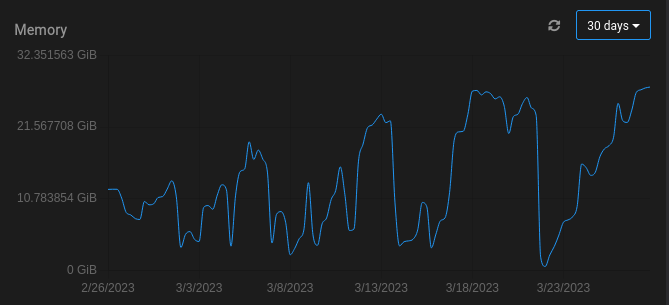
    The graphs are just a rough value over time and not showing peak usage by the second. In such cases the app probably spikend in memory usage exhausting the limit and Cloudron will restart it. Generally unless this happens often, this is not to worry about. This may be related to https://forum.cloudron.io/topic/8897/any-way-to-check-in-the-app-what-is-using-all-this-ram/11