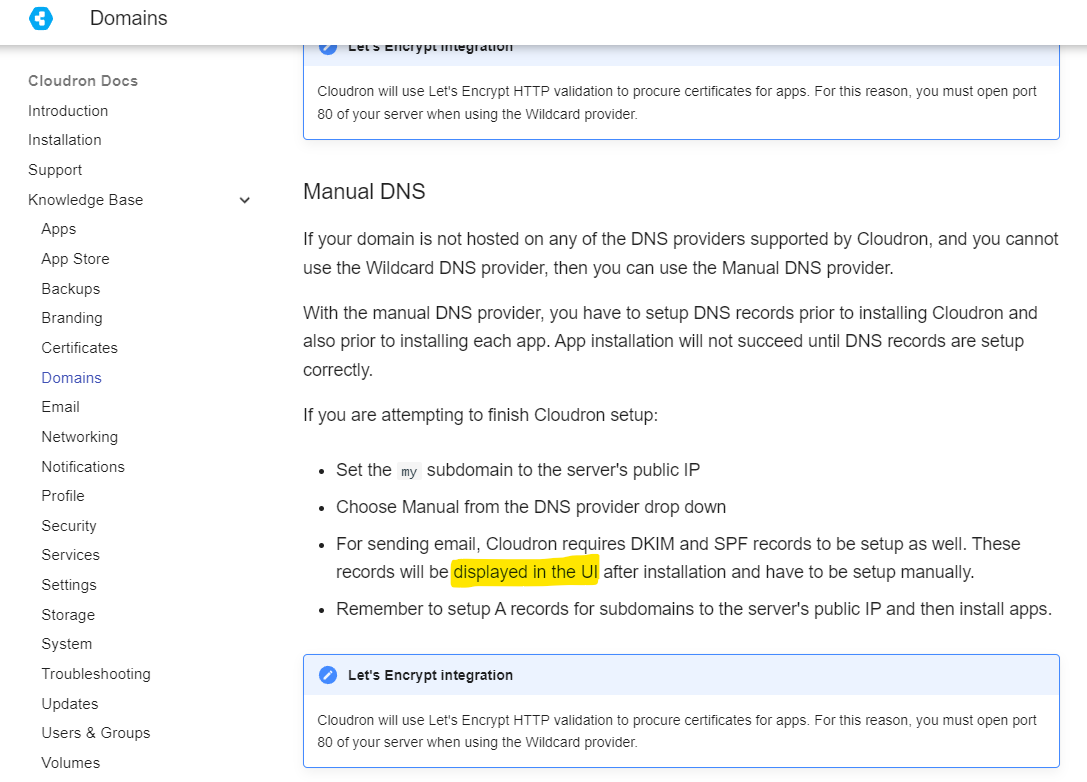
@therealwebmaster Email -> Domain -> Status . You can click on each of the records there and it will tell you what you should setup.
[image: image.png]
Welp... I followed a few other posts about email not working, and found a file in the mail queue, removed it, restarted the mail... and now it works. I might delete all this... but I might leave it up as a suggestion to anyone else to do the same. At the very least, try restarting mail in the Dashboard.
@warg
Haraka is not as widely used as Postfix but it is also hardly a niche product and has been around since 2011. If anything it is down to preference. Cloudron chose it because it is lightweight and efficient and presumably because it best fit their architecture. The IMAP server in Cloudron is Dovecot, which is also used in Plesk.
What are your concerns?
Yes, the best thing to do is just give it a go and see if it fits your needs.
@userino yeah, it's that way because IMAP/SMTP have no concept of sessions. This means that you might have to repeatedly enter 2FA token which would in turn make using mails clients quite unusable.
I recommend generating an app password for Email (what I use personally) and using that as a "throwaway" password. It will work only for Email an won't let you login to other apps.
@girish
Thanks for the clarification. I guess we can close this thread, since the solution will be troubleshooting the original unbound / DNS issue on my server (https://forum.cloudron.io/topic/8864/dns-resolving-problem). I have just replied to your e-mail.
Right now, numerous DNS queries are failing again, which leads to many missing posts or media on my public Mastodon instance.
@girish ( ._.) I got servers with 100+ Mailboxes a global bcc all would be... better
Also Cloudron is used by companies in Germany and they have to abide to the law of archiving business communication https://www.gesetze-im-internet.de/hgb/__257.html and a global BCC option would be very nice.
I figured out my issue. Turns out that even though I read the documentation I made one critical mistake right at the beginning. I had to create my email accounts and the addresses I wanted to work in Cloudron first. Then Install the Snappy mail client and set up the email accounts there second.
Once I deleted the Snappy mail client and reinstalled it everything worked. I'm not sure how but this topic can be marked as resolved.
@JOduMonT good idea. I think it would be nice if we had a "migrate domain" which "moves" everything - dashboard, MAIL FROM, mailboxes etc. All these are available individually but not as a single operation.
Can you make a feature request?
@msbt said in Can't manage existing email address since v7.3.4 update:
for debugging, lmk if needed
Not needed. Just takes a really long time to fetch for domains with bigger maildata.