Cloudron makes it easy to run web apps like WordPress, Nextcloud, GitLab on your server. Find out more or install now.


Skip to content
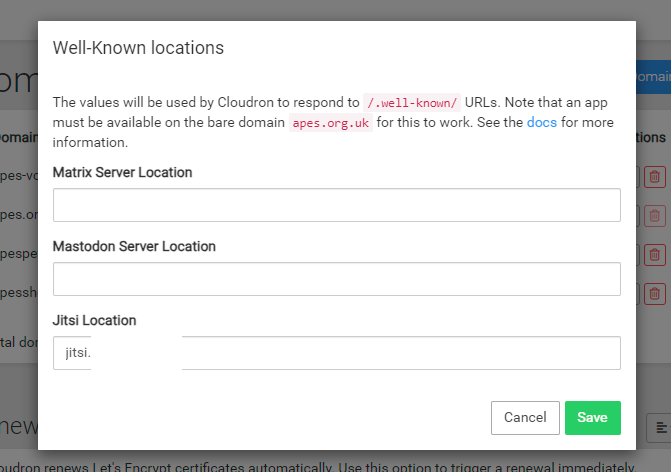
  • Social Well Known

    Solved Nextcloud nextcloud social well-known
    9
    2
    2 Votes
    9 Posts
    3k Views
    mhgcicM
    @girish said in Social Well Known: I tested this out quickly. Indeed, the app auto creates an id of the form @nc.domain.com . After domain change, it doesn't adapt. But I don't think this is a bug in the app. Most of the federated apps (even outside nextcloud) cannot change their domain post installation. [image: 1694865974654-557dcf47-0cf0-4733-b650-a4ef66e64f6d-image-resized.png] I thought the same! It seems to be a bit of a bugger that, on the other hand, I located the folder for well-known but nowhere does it show the URL in the files in the well-known folder for the app. I have messaged the developer of the app to see if they could put in the description to only install on a URL that will not change or find a way around it but I don't think the developers of federated apps have it high on their priority to make domain name changes possible.
  • 0 Votes
    3 Posts
    1k Views
    L
    @marcusquinn Thanks. In the recent Hub5 presentation, NextCloud's CEO showed clear commitment to data sovereignty for users. I think it is great how Nextcloud could as easily help individuals and families as much as businesses.
  • Nextcloud Hub5 launch event live

    Nextcloud nextcloud hub5 hub launch
    24
    4 Votes
    24 Posts
    8k Views
    J
    @jagan And I restarted the whole cloudron server and lo and behold, the app came back online. I was watching the logs, it sputtered and crackled, but in the end, came through. Thank you Cloudron for all this magic.
  • Restore of app fails: Out of memory

    Solved Support nextcloud recovery failure memory
    2
    1 Votes
    2 Posts
    899 Views
    nottheendN
    This topic can be marked as closed. I decided to buy an instance with more memory and it worked well.
  • Secure Database suggestions

    Discuss database security nextcloud
    2
    0 Votes
    2 Posts
    1k Views
    humptydumptyH
    @LoudLemur I use cryptomator to encrypt sensitive files that I have on my nextcloud. Your use case is a bit trickier as you have multiple people working on the same file simultaneously. Take a look at the existing apps in the App Store like collabora, onlyoffice, and cryptpad. Cryptpad might be your best option though as it’s end to end encrypted. Edit: There’s also baserow and noco. I’m not sure if the databases are encrypted.
  • Do I need to allow my Nextcloud via CSP?

    Solved Collabora Online (CODE) nextcloud
    6
    0 Votes
    6 Posts
    2k Views
    nebulonN
    Yes it will put the raw value into the XML config and then also restart the collabora server in the background. For the actual value, I don't know either, you may have to ask the collabora community for that.
  • How to recover TURN server secret?

    Solved Support nextcloud nextcloud talk
    4
    0 Votes
    4 Posts
    2k Views
    32463
    @andreasdueren said in How to recover TURN server secret?: @3246 Just restart the app, it should automatically reconfiger itself. Unfortunately… D'oh! So simple that I totally forgot about it doing that Thanks!
  • 0 Votes
    4 Posts
    2k Views
    girishG
    @pbischoff thanks, I have fixed the link.
  • 9 Votes
    18 Posts
    8k Views
    StardenverS
    @3246 said in [ Guide] How to install Cloudron/Nextcloud with LUKS full disk encryption on Hetzner cloud server: @Stardenver yes it is. I also have it running on baremetal at home/office. My new set up has a main drive that's encrypted and another for local backups, which is also encrypted but unlocks after decrypting the main boot/data drive. Happy to expand on this if folks find it useful Thanks again for your setup guide. Just got a new server and its up and running. May I ask how you'd setup your system, so that additional drives are also encrypted and unlock after decrypting the main drive?
  • Nextcloud Encryption issues

    Moved Nextcloud nextcloud encryption issue
    5
    0 Votes
    5 Posts
    2k Views
    S
    @girish to be honest RC4 is horrible but yeah... thanks
  • Copy-pasting from editor disabled

    Solved Nextcloud nextcloud collabora
    20
    0 Votes
    20 Posts
    7k Views
    E
    @jdaviescoates Yes, the latest app update has resolved the issue! Thank you for your help with this, though.
  • 0 Votes
    5 Posts
    2k Views
    girishG
    Also, the reason for nextcloud update is that it has some slightly tricky optimization to change ownership of files carefully. It also changes the default data directory of newer nextcloud installations.
  • import users into groups

    Solved Support ldap groups nextcloud
    9
    1
    2 Votes
    9 Posts
    3k Views
    jamesJ
    Closed due to inactivity
  • NextCloud ran out of memory - repeatedly

    Solved Nextcloud nextcloud memory problem solved
    5
    0 Votes
    5 Posts
    3k Views
    A
    @derin mine is 8GB good enough for not stress about it. I think it better go higher so we don't had to worry about it much but always make sure you had enough:)
  • 0 Votes
    2 Posts
    2k Views
    nebulonN
    @LoudLemur looks like the DNS record was pointing to a Cloudron which didn't have any app installed on that (sub)domain. If a Cloudron server as such just gets deleted, then the DNS records are not automatically cleaned up, since there is nothing running anymore to do that.
  • 0 Votes
    7 Posts
    4k Views
    ajtatumA
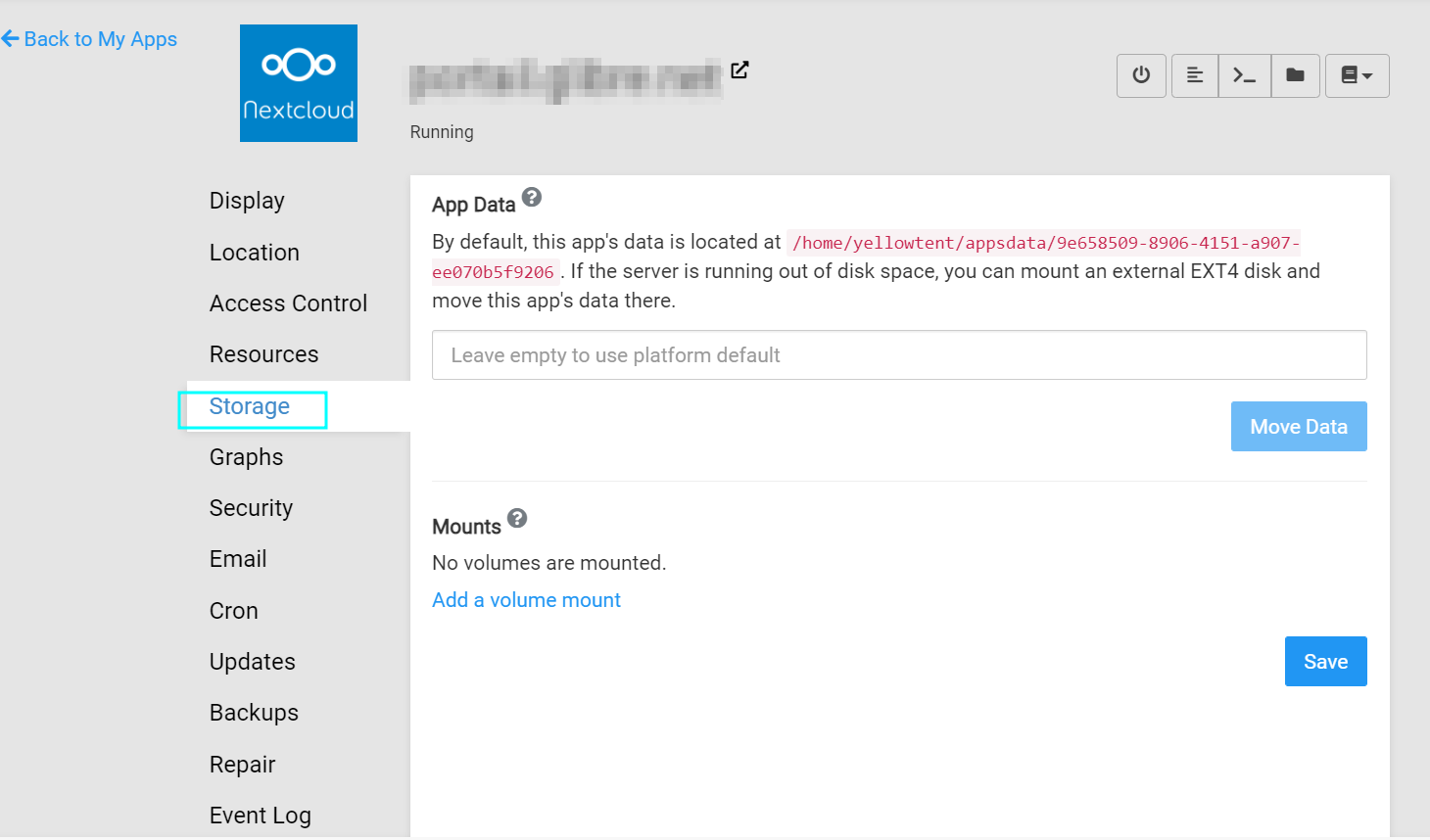
    @girish & @mehdi - thanks for your advice! It gave me the idea to Tailscale. I installed it on the Cloudron server and was able to successfully mount a shared folder from my Synology using cifs. However, even though the data persists between reboots, I don't see the data on the Synology, even when I'm logged in as the root user. I'm not quite the linux expert, but I noticed that when I changed Nextcloud's appdata folder to point to the mount, it created it as a "root" user. On the Synology, I created a Cloudron user that has the necessary permissions and I mounted the shared folder with the Cloudron user, password, and domain. So, I'm thinking this has something to do with user IDs not matching up or something like that. I'm nervous about moving forward since I can't actually see the data on my Synology. Would you or anyone else have any advice? By the way, this is how I mounted it: sudo mount -t cifs -o credentials=/etc/nas-credentials,vers=3.0 //nas/Cloudron /mnt/nas In fstab, the command is: //nas/Cloudron cifs -o credentials=/etc/nas-credentials,vers=3.0,_netdev,auto 0 0 Thanks for all your help!

  • 0 Votes
    10 Posts
    4k Views
    girishG
    @jdaviescoates Yes, cron not working is a symptom of docker not working (stuck in configuring)
  • Permission issues using mounts for app data storage

    Solved Support nextcloud cubby volumes
    10
    0 Votes
    10 Posts
    4k Views
    Jan MacenkaJ
    @girish since it worked with my other NAS, I am pretty confident now that it is rather a Permission-Issue on the TrueNAS-Side which I dont understand well enough as of yet. Thanks for the link!
  • 2 Votes
    7 Posts
    3k Views
    robiR
    @jodumont No, nextcloud has a completely different install mode which is S3 only for everything.
  • Is there a way to ...

    Moved Discuss nextcloud syncthing syncing photos lychee
    1
    0 Votes
    1 Posts
    467 Views
    No one has replied