@thibaud Are you able to generate credentials for me to test your minio instance? Maybe just create a test bucket for us. Just send them to support@cloudron.io.
I just tried to setup backups to a minio installed on Cloudron and that works fine.
If you have a floating IP (in DigitalOcean lingo), elastic IP (AWS) or equivalent, you can make Cloudron use the floating IP (Network -> Interface -> Enter the floating IP). Then you can restore Cloudron to another server, and then when restoring is done, you can switch the floating IP to this new server.
Hi there,
SSH login is usually handled by the the server provider. Cloudron does not have a UI to manage SSH login methods. If you are locked out of your server, usually your VPS provider has a way to reboot the server with a SSH key setup or a reset root password.
Otherwise if for some reason this does not help in your situation you can try to enable Cloudron remote support in the support view of your Cloudron dashboard and then send a mail to support@cloudron.io with your domain details. This may allow us to reset your SSH login details.
best,
Johannes
Usually, "Killed" means it ran out of memory when importing. Can you try to restore again and see "dmesg -w" output in parallel to see if that is indeed the case?
You can bump the memory limit for the restore logic as indicate here - https://cloudron.io/documentation/troubleshooting/#backups
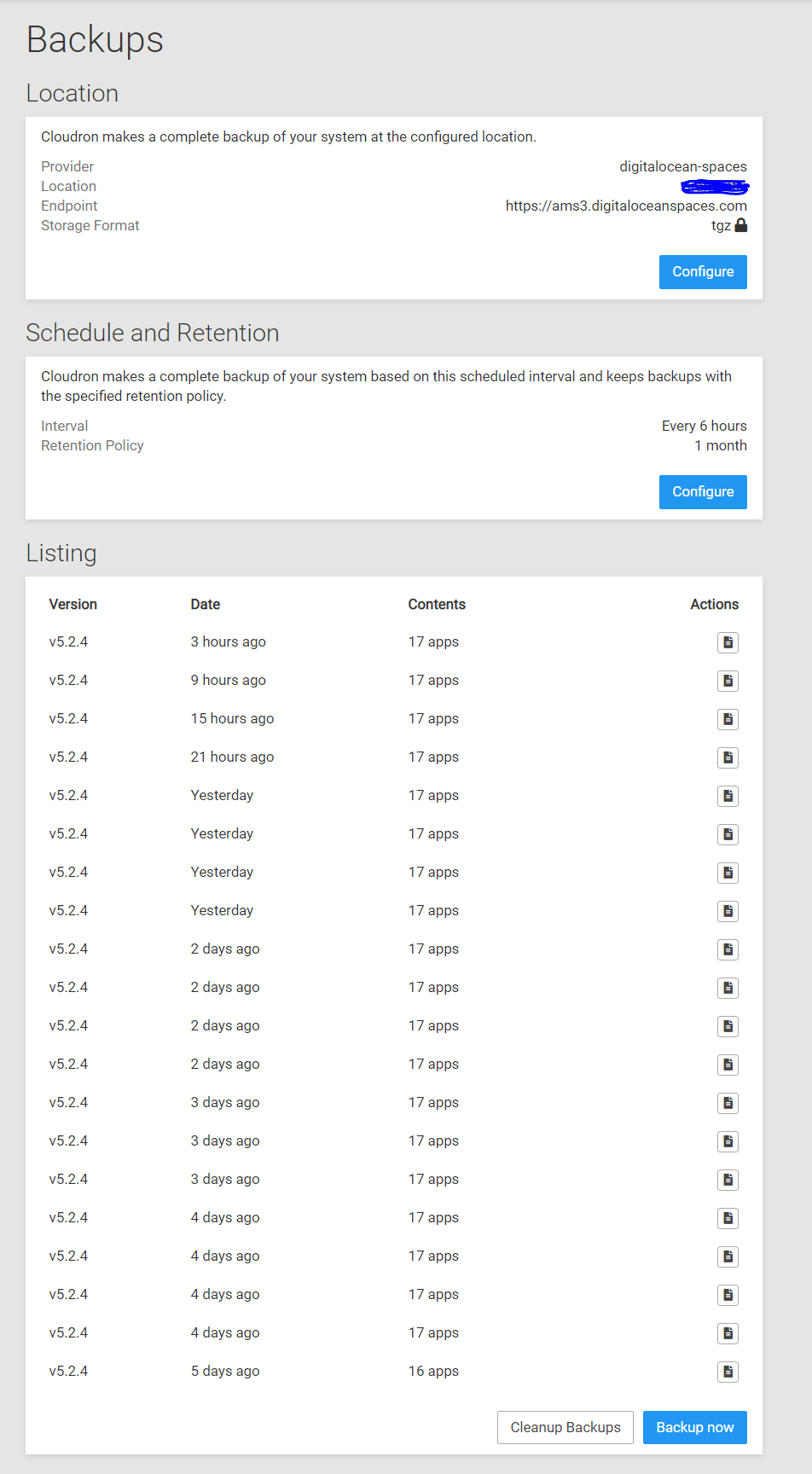
Quick update: I just manually ran another system-wide backup and it was successful, so it seems it may have just been a one-off and probably won't happen again anytime soon, was likely just coincidental I was making a bunch of changes to it yesterday considering other system backups proceeded without issue since the time I made those changes. But I'd love to get a second-set of eyes for insight into if this is something I should fix to prevent it in the future or just a one-off type of thing that can safely be ignored.
@girish They are unusual I would say, yes. It's a file that is being updated on a daily basis so it has a file history of 30 different versions in NextCloud. They are .db.crypt12 files, which is a database backup of WhatsApp about 120MB in size.
I think this could be a very interesting feature, eg. to isolate personal apps from other domains and apps...
Also, this feature allow to do a good workload plan setting up different VPS.
Many thank's a lot!
For others looking for examples, there's a bunch of custom app templates I made that should help getting started:
https://git.cloudron.io/cloudron/tutorial-php-app/
https://git.cloudron.io/cloudron/tutorial-nodejs-app
https://git.cloudron.io/cloudron/tutorial-basic
https://git.cloudron.io/cloudron/tutorial-redis
https://git.cloudron.io/cloudron/tutorial-supervisor-app
@jdaviescoates said in How install wordpress with www?:
Quite possible I just didn't wait long enough too I guess...
I think that was it. I actually first tried just adding www redirect again to my WordPress at https://uniteddiversity.coop and waited a bit before trying it and it works fine. Sorry, should've been more patient in the first place!
I think there's a genuine case in the future where if we introduce per-app admins, then app admin can access terminal of one app to see traffic (and sniff ldap/db creds) of another app. I think it's an excellent suggestion to remove it!
@girish Ah interesting, yes that definitely seems like an OVH-specific issue then. At least they're heading in the right direction I guess towards the end of this year. Thanks for shedding some light on that one for me.
@necrevistonnezr They are pretty much the same feature. Cloudron's works at the platform level for all apps including nextcloud itself whereas nextcloud's will work only for nextcloud.
@necrevistonnezr indeed, previous versions of Cloudron would allocate more memory for redis based on the app's memory limit. This limit was not settable by the user. In 5.2, we have made the redis limits visible and configurable by the user. Our 5.2 migration script should ideally could have been smarter and allocated more memory to redis.