@nebulon said in Cloudron dashboard not loading after reboot after NextCloud "not responding":
Most likely you are hitting an unbound issue then. Checkout the unbound section at https://docs.cloudron.io/troubleshooting/
Unbound solved my issues, thank you!
Thanks for the reply @MooCloud_Matt!
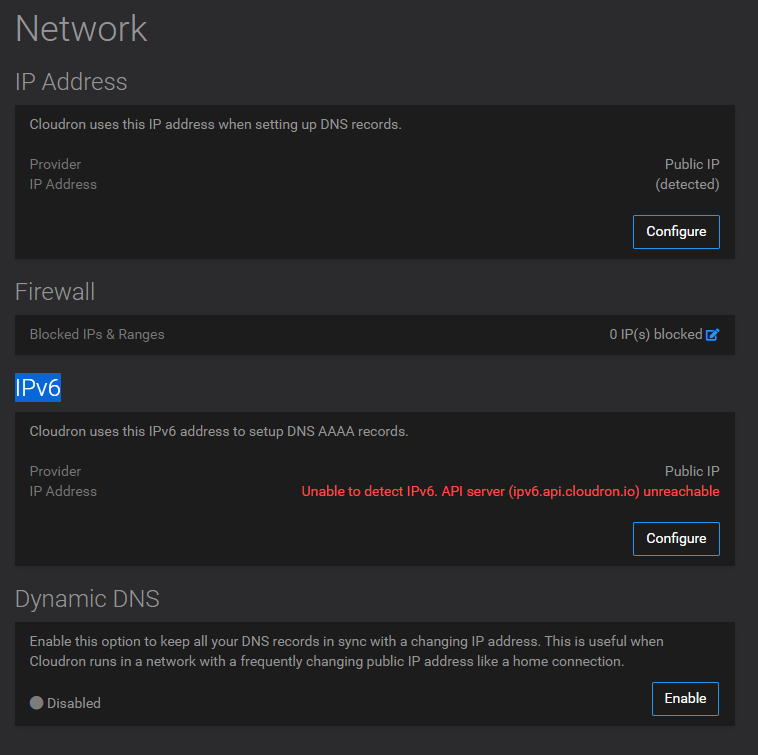
Proxmox is set to bridge and works with ipv4 without any problem.
But the problem is probably elsewhere, I tried opening the ipv6 test page on my laptop and it said my provider doesn't support ipv6, which is bullshit. I actually have two public ipv6s assigned from it.
So I would need to somehow run the installation with only ipv4, is it possible to do that?
[image: Sn-mek-obrazovky-z-2023-01-09-16-07-51.png]
@girish well, that solved the problem i was facing, though i do not understand why it does, but anyway, thanks a lot that helped me
Solved!!
Solution = <Just sign in to the app store in your Cloudron Server as Mr. @girish said>
Once more, thank you very much for the support .
@3246 I think this is a known problem for people how have CIF/SSHFS/possible other mounts which is already fixed in the next version.
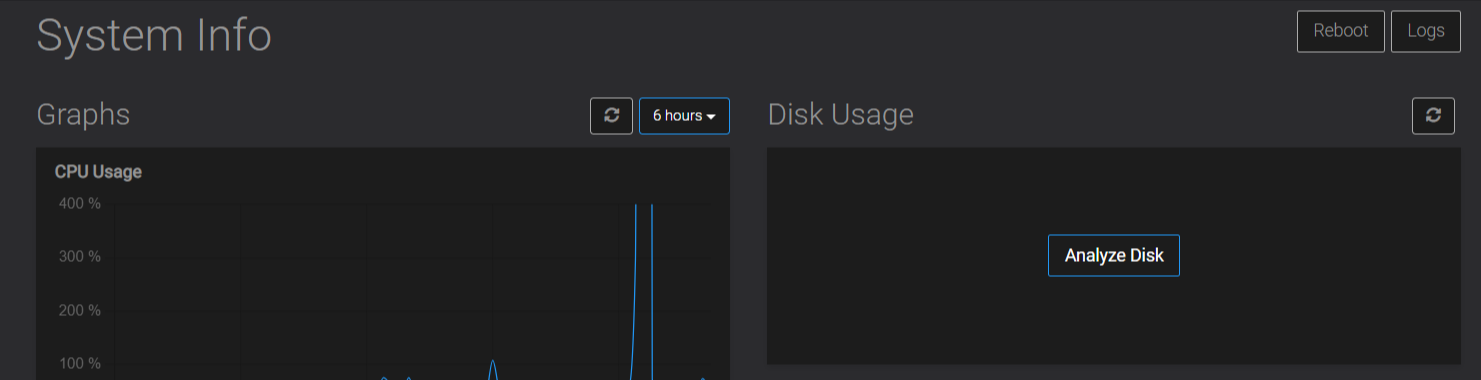
@girish said in Cloudron 7.3.2: "Analyze Disk" doesn't do anything:
OK, I have fixed this now. The code is was not handling CIFS/SSHFS volumes correctly.
@girish said in Cloudron 7.3.4: "Analyze Disk" doesn't do anything and no statistics shown...:
Thanks all. This issue was already fixed as well last month - https://git.cloudron.io/cloudron/box/-/commit/67cde5a62cf0394c8bf2d78ee3408e5995a220e7 . It's already in 7.3.5.
Essentially, if you have CIFS/NFS/SSHFS, there is a crash.
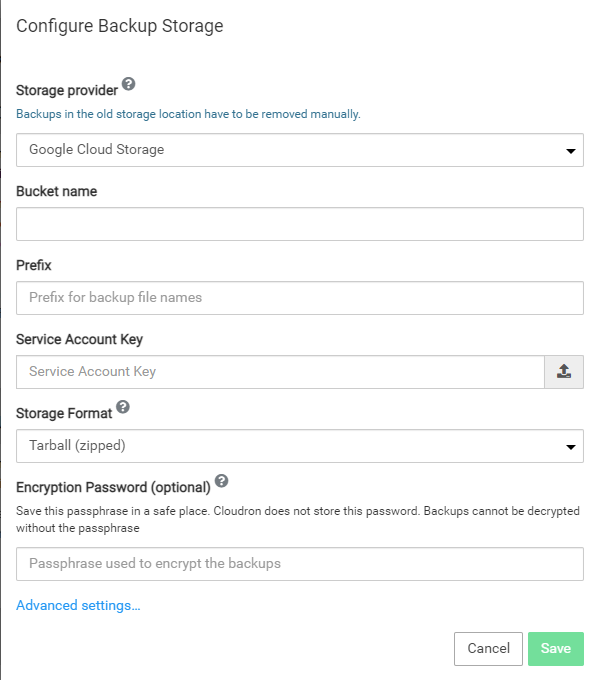
@girish awesome! I think what would be helpful is to test the parameters before pressing 'restore', just to validate that both the connection and decryption keys are OK.
I found the error messages we have right where more confusing than helpful. I don't really know what I did wrong because to resolve it, I just took a fresh backup and restored it using the same details.
All good now though.
@girish since it worked with my other NAS, I am pretty confident now that it is rather a Permission-Issue on the TrueNAS-Side which I dont understand well enough as of yet.
Thanks for the link!
Thanks all. This issue was already fixed as well last month - https://git.cloudron.io/cloudron/box/-/commit/67cde5a62cf0394c8bf2d78ee3408e5995a220e7 . It's already in 7.3.5.
Essentially, if you have CIFS/NFS/SSHFS, there is a crash.
@girish said in How to upload/import app backup in Cloudron:
Can you make a feature request and link to this post?
Filed it here: https://forum.cloudron.io/topic/8359/ability-to-import-backups-from-computer-disk-rather-than-needing-to-scp-files/1
@girish It is working now!
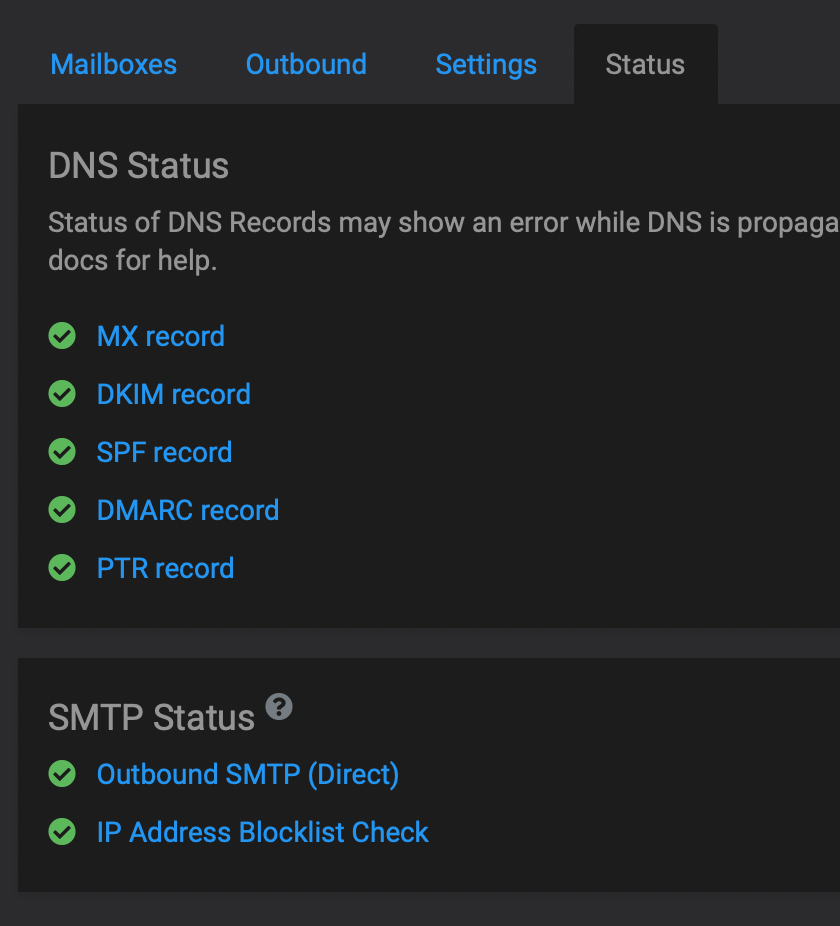
I've found a good doc from Namecheap themselves:
Namecheap DOC about Sendgrid
It's important to not add the domain part in the CNAME entries! Hopefully this helps someone else in the future
Thank you for your commitment @girish
@girish said in Ways to free up space?:
28GB of data does seem off.
Yeah, I've got 48 apps running and mine is only 4.11GB (if my.cloudron.coop/#/system is to be believed - have all sorts of issues with it so I don't really trust it at all, see https://forum.cloudron.io/post/58715 )
@nickbeswick Can you explain your setup a bit more. I assume Nginx Proxy Manager (NPM) has the public IP address and Cloudron is in some internal network?
I think something like this https://forum.cloudron.io/topic/5898/nginx-in-front-of-cloudron-install/9 . Put the IP address as internal IP and also add the domain name.