Cloudron makes it easy to run web apps like WordPress, Nextcloud, GitLab on your server. Find out more or install now.


Skip to content
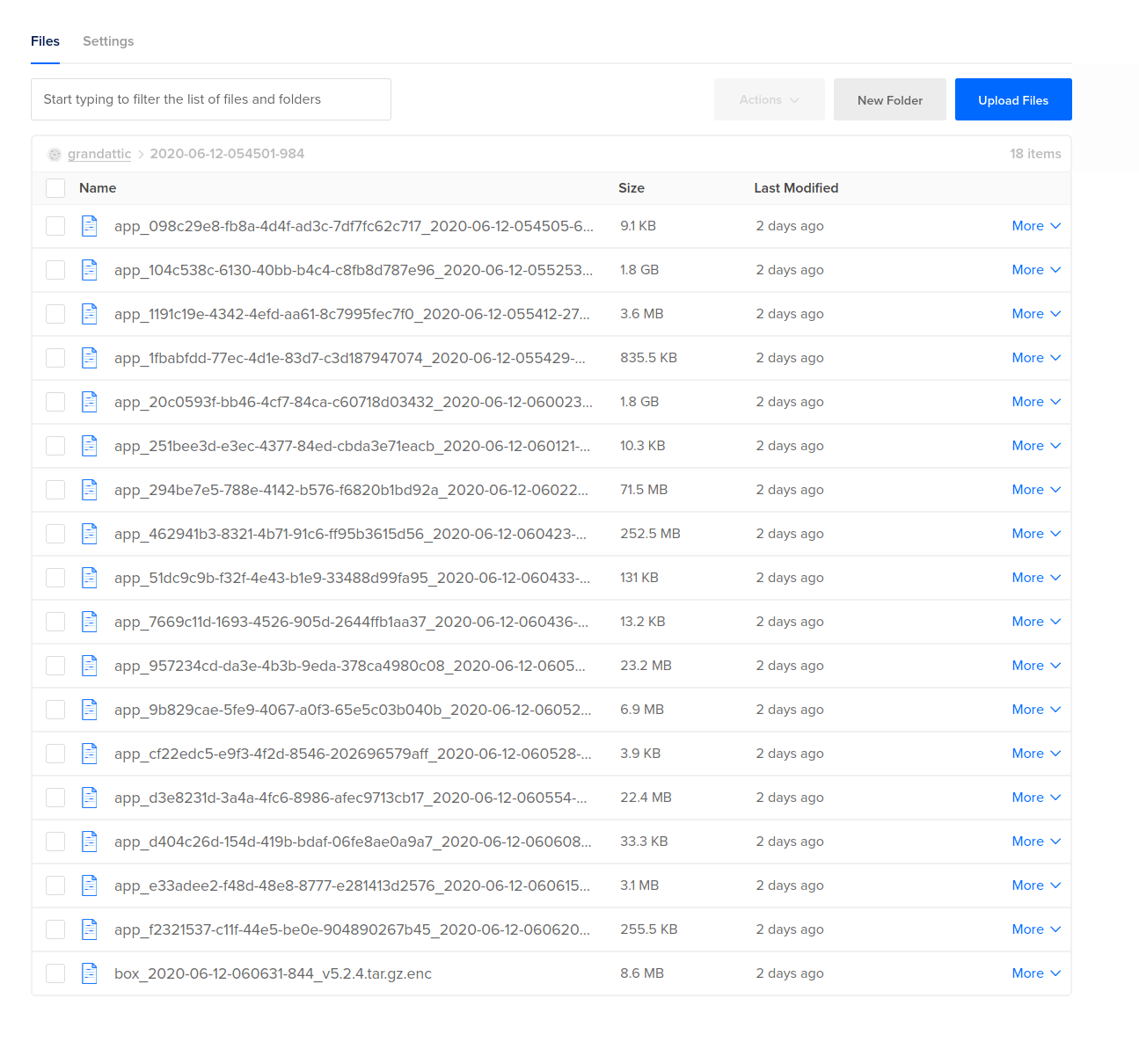
  • Error loading fsmetadata.json

    Solved Support restore backups
    11
    0 Votes
    11 Posts
    3k Views
    yusfY
    @girish I don’t think I’ve tampered with anything there, no. Very good, as long as there’s some mechanism to reliably start over I’m happy to do that. Thanks! In the longer term maybe some kind of ”Start over” mechanism doing this same thing can be exposed to the backup page…
  • 0 Votes
    3 Posts
    2k Views
    JOduMonTJ
    Ok I gotcha myself because anyway I create my own pain so from what I understand to being able to restore Cloudron verify the DNS first than app/data I forgot to authorize my new IP in my Cloudflare API code 9109 is probably related to the fact it was unable to edit the DNS.
  • Backup & restore active Cloudron installation

    Support restore bacups
    5
    0 Votes
    5 Posts
    2k Views
    DanTheManD
    @ultraviolet Very clear explanation and a big thanks for the advice in this. I'm going to try this out very soon, if I'll have some time left in the weekend. Never done the part with lvm before, so I want to take the time for it.
  • Disaster recovery - Restoring a backup

    Solved Support restore backups uninstall
    8
    3
    2 Votes
    8 Posts
    3k Views
    cbeamsC
    @girish wrote: Are you able to open a request [for this]? Done, thanks: https://forum.cloudron.io/topic/4306/provide-ui-support-for-choosing-app-package-version-during-installation
  • restore rocket chat

    Support restore backups memory
    2
    0 Votes
    2 Posts
    1k Views
    girishG
    Usually, "Killed" means it ran out of memory when importing. Can you try to restore again and see "dmesg -w" output in parallel to see if that is indeed the case? You can bump the memory limit for the restore logic as indicate here - https://cloudron.io/documentation/troubleshooting/#backups
  • Downgrading instance

    Support backups restore
    2
    0 Votes
    2 Posts
    920 Views
    nebulonN
    Yes that is correct, follow the instructions at https://cloudron.io/documentation/backups/#move-cloudron-to-another-server Please not to not destroy the old server until the new works, you can just shut it down temporarily as mentioned in the docs.
  • Moving Servers - Cloudron IP Change

    Solved Support backups migration restore
    5
    0 Votes
    5 Posts
    2k Views
    girishG
    @echokos Right as @NCKNE suggested, you can enable the dynamic dns option under Domains view before migration and take a backup after you enabled it. With that the DNS records will be automatically updated post migration. After migration, you can turn off that option since the IP won't change anyways.
  • Restore from Exoscale failing! Help!

    Solved Support restore exoscale
    4
    0 Votes
    4 Posts
    1k Views
    girishG
    @scooke This was indeed a bug in our restore UI. I have fixed this for 4.1.5
  • Issues on server migration

    Solved Support install restore
    2
    1 Votes
    2 Posts
    1k Views
    girishG
    @CarbonBee Did I understand correctly that the DNS of cloudron A and Cloudron B are different above? If so, the behavior is expected (not saying it is correct or even good). Currently, there is no easy way to easily 'migrate' domains - it is only easy to migrate a Cloudron from one server to another provided that all the DNS remains the same. Can you explain your use case a bit more so we can try to come up with a solution together? I guess you are trying to test your backups? How can we make this work when Cloudron has multiple domains? Once you restore to another server, Cloudron will do the DNS setup of apps automatically and it will end up re-configuring the DNS of the apps to point to this new server.
  • Change of Host

    Solved Support backups restore migration
    6
    0 Votes
    6 Posts
    2k Views
    J
    Thank you @girish for the refund! Much, much appreciated!
  • unrecognized restore-url

    Solved Support restore
    2
    0 Votes
    2 Posts
    1k Views
    girishG
    @Marcelo-Barcelos Cloudron 1.9 added a restore ui and we have thus discontinued support for restore-url since. For pre-1.9 cloudrons, just get the right cloudron-setup script from our git repos. So, wget https://git.cloudron.io/cloudron/box/raw/v1.8.4/scripts/cloudron-setup chmod +x cloudron-setup ./cloudron-setup --provider <provider> --restore-url="..." More info here - https://cloudron.io/documentation/backups/#legacy-restore-pre-19